
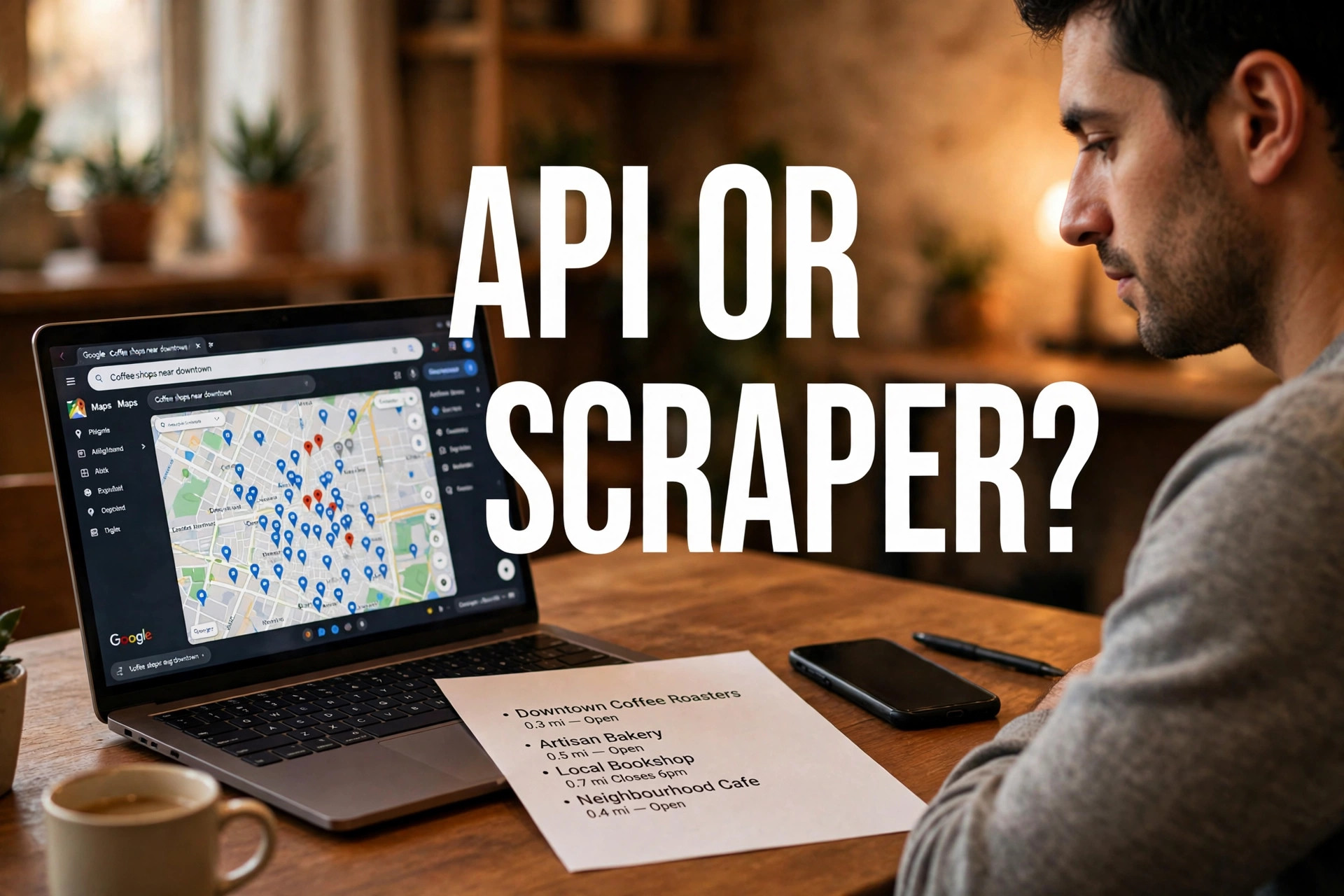
I watched a founder burn a week on the wrong tool. He needed a list of dentists to call, so he hired a developer to wire up the official Google Maps API. A week later he pulled the list in an afternoon with a scraper.
Short answer: pick the API when the data lives inside an app or a live lookup, and pick a scraper when the data lives in a spreadsheet you keep. The API returns at most 60 places per search and bars storing most of it. A scraper returns about 120 listings per search, per Scrap.io's July 2026 guide, in a file you keep.
What does each tool actually do?
A Google Maps scraper opens the Google Maps website the way you do, searches it, and copies the listings into a file. You type a search, pick an area, and the tool saves names, phones, websites, ratings, and addresses into a CSV or a sheet. I run it from a browser extension and check the first 20 rows by hand. No code, no Cloud project, no billing account.
The Places API is the official route, and it works the other way round. Your app sends a text query to Google, Google sends back structured place data, and your app shows that data to a user who is waiting. It is built for live lookups: a store locator, an address search box, a booking page. You need a Google Cloud project, billing switched on, and code that makes the request.
How do the results per search compare: 60 against 120?
The Places API Text Search returns up to 20 places per page and a maximum of 60 places across all pages, per Google's own Places documentation. Three pages of 20, then the token stops coming. Nearby Search returns a maximum of 20 places and has no pagination at all, per MapsHarvest.
The Google Maps website shows more. The results panel keeps loading to roughly 120 listings for the same search, per Scrap.io's July 2026 guide. A scraper walks that panel and saves what it shows. That is double the API ceiling. I have run searches where the first 60 held the big chains and the next 60 held the small clinics.
| Capability | Places API | Google Maps scraper |
|---|---|---|
| Results per text search | At most 60 across all pages | About 120 from the website panel, per Scrap.io's July 2026 guide |
| Results per Nearby Search | At most 20, no pagination | About 120 per search |
| Output you keep | Place IDs only, for the long term | A file of listings you keep |
| Code needed | Yes, plus a Cloud project and billing | No, a browser tool does the work |
| Live lookups in an app | Yes, that is what it is built for | No, it makes files, not live answers |
| Review text | Yes, a small set of recent reviews | Yes, from the listing |
| Email addresses | No email field in the API response, per Google's published Places field list | Yes, from business websites |
| Where it runs | Inside your app | In your browser |
Is the Google Maps API free?
Short version: parts of it cost nothing up to a monthly allowance, and the rest bills per call. Google gives each service its own free monthly allowance, and the old shared $200 monthly credit went away in March 2025. The full price picture, with the per call rates and a worked 10,000 lead month, lives in our cost post.
What can you keep, and what must you fetch fresh?
This is the section most comparisons skip. Google's Places API policies state that you must not pre-fetch, cache, or store Places API content beyond the allowed exceptions, and the place ID is exempt from those caching restrictions, so you can store place IDs indefinitely. Latitude and longitude can be cached for up to 30 days. Names, addresses, phones, and review text do not carry that permission.
Read that again in list terms. A lead list in a CRM is a stored copy of names, phones, and addresses you work through over weeks. That is what the API policies bar. If your plan is to pull 5,000 places through the API and keep them in a sheet for cold calls, the API terms stand in your way.
Scraping has its own terms problem, and I will not dress it up. Google's Maps Platform terms state that a customer will not export, extract, or otherwise scrape Google Maps content for use outside the services, per the live terms page. A scraper pulls website content into a file outside Google's services, so it runs against those terms. The API line bars storage. The scraper line bars the extraction itself.
When does the API win?
The API wins when the data stays inside an app. If a user opens your app and expects an answer in a second, the API is the only sane pick. It returns structured data and shows the result on a Google map. A scraper cannot do live lookups.
Review text is the second API win. Place Details returns review text, and your app can show a handful of recent reviews beside the listing. A scraper can pull review text too, but the API hands you the reviews in a structured form your code can render.
Coverage is the third win. There are countries and regions where the website panel itself shows less, and a browser scraper can only save what the panel shows, so its file runs thin there too. The API does not depend on the website panel, so it returns places where the website view is limited. If your app serves users across many countries, the API gives you one route for all of them.
When does a scraper win?
The scraper wins when the output is a list you keep. Lead generation is the clearest case. You need names, phones, websites, and emails for every dentist in Miami, in a sheet your team can call down. The API cannot give you that list in a form you can keep: its storage rule bars it, and its 60 result ceiling cuts each search short. A scraper gives you about 120 per search, in a file.
No code is the second scraper win. A founder, a marketer, or a sales lead can run a browser extension without hiring a developer or writing a line of code. I have watched non-technical teams pull their first list in an afternoon, while the API route waited on a developer's calendar.
Emails are the third scraper win. The Places API does not return an email field, per Google's published Places field list. A scraper that visits the business website can pick up the email the business chose to publish. Cold email lives or dies on addresses, and the API simply does not supply them. If your outreach runs on email, the scraper is the only route that gives you the field at all.

What does the choice look like on a real job?
Say you search dentists in Miami. You run the API route first. Text Search returns 60 places, three pages of 20, and you store the place IDs. You fetch details for the ones you want and show them in an app. Now try to turn it into a call list. You cannot keep the names and phones in your CRM under the storage rule, so you re-fetch each time you open the list.
Run the same search with a scraper. The website panel loads about 120 dentists, per Scrap.io's July 2026 guide, and the tool saves them into a sheet with names, phones, websites, ratings, and addresses. You add the email step, and the sheet gains the addresses the clinics publish on their own sites. You sort by rating, drop the chains your team already knows, and hand the sheet to two callers on Monday.
What five mistakes pick the wrong tool?
The first mistake is picking by price alone. A per call price and a per lead price are different units. Fix it by pricing the full job first: search calls plus detail calls on the API side, and the full lead price with emails on the scraper side.
The second mistake is building a list on the API and storing it anyway. A CRM full of API names and phones is a terms problem waiting for a bad day. Fix it by storing place IDs only, and fetching details fresh when a user looks at a place.
The third mistake is scraping for a live app. A scraper file goes stale the day you pull it, and an app that serves stale hours and dead phones will lose users fast. Fix it by putting live lookups on the API, even when the scraper looks cheaper.
The fourth mistake is trusting the first 20 results. Both routes return the most prominent places first, and the first page holds the chains and the big names. The small clinics and the owner-operators sit further down the list. Fix it by splitting searches by neighbourhood and by narrow category, so the lower-ranked places surface. Our lead list post shows the splitting method step by step.
The fifth mistake is skipping the email step. A list of names and phones without emails is half a list if your outreach runs on email, and the API will not fill that gap. Fix it by choosing a scraper that visits business websites and pulls published emails.
How do you decide in 10 minutes?
Run this tree, and stop at the first branch that answers yes. Branch one: does a user wait for the answer inside an app? Yes means API. Branch two: does the output need to sit in a CRM or a sheet for weeks? Yes means scraper. Branch three: do you need email addresses? Yes means scraper, because the API has no email field. Branch four: do you need review text shown live? Yes means API. Branch five: do you need places where the website panel runs thin? Yes means API. If no branch answers yes, the job is a short-lived list, and a scraper is the default pick.
Steal this checklist and run it before you spend anything:
- Name the destination first: app screen, CRM, or sheet.
- Count the places you need: 60 per API search, about 120 per scraper search.
- List the fields you need, and mark the ones each route cannot supply.
- Write down where the data will sit in 30 days.
- Price the full job, not the headline unit.
- Read the terms line for your route.
- Run one small search first, and check 20 rows by hand.
The API answers a user who is waiting, and a scraper fills a sheet you keep.
What should you do next?
Open the setup post and run one scraper search for your own city and category, or run one Text Search from the Google Cloud console. Check 20 rows by hand either way. If the rows match your outreach sheet, you have your answer.
Frequently asked questions
Is the Google Maps API free?
Parts of it cost nothing up to a monthly allowance per service, and the rest bills per call after that allowance. Google gives each service its own free monthly allowance, and the old shared $200 monthly credit went away in March 2025, per summaries of Google's pricing page. You still need a billing account even inside the free allowance.
How much does the Google Maps API cost per month?
There is no single monthly price, because the API bills per call and your call count depends on the services you use and how many places you look up in detail. A text search is one call, and each detail lookup adds more calls. Read the full per call rates in our cost post before you budget.
Should I use the Google Maps API or a scraper for lead generation?
Use a scraper for lead generation. A lead list needs names, phones, and emails kept in a CRM or a sheet for weeks, and the API storage rule bars keeping most of what it returns, while its text search stops at 60 places per query. A scraper returns about 120 listings per search in a file you keep, and it can add emails from business websites.
Can I store Google Maps API results in my CRM?
Mostly no. Google's Places API policies state that you must not pre-fetch, cache, or store Places API content beyond the allowed exceptions, and the place ID is the main exception, so you can store place IDs indefinitely. Names, addresses, phones, and review text do not carry that permission.
Is scraping Google Maps legal?
Scraping runs against Google's website terms, which state that a customer will not export, extract, or otherwise scrape Google Maps content for use outside the services, per the live terms page. The risk depends on your use, your scale, and your jurisdiction. Take legal advice before you build a business on scraped data.
How many results does the Google Maps API return per search?
Text Search returns up to 20 places per page and a maximum of 60 places across all pages, per Google's Places documentation. Nearby Search returns a maximum of 20 places and has no pagination at all. The Google Maps website shows more, about 120 listings for the same search, per Scrap.io's July 2026 guide.
Does the Google Maps API give you email addresses?
No, the Places API does not return an email field for businesses, per Google's published Places field list. If your outreach runs on email, that gap decides the tool on its own. A scraper that visits the business website can pick up the email the business chose to publish, and most lead scrapers add that step.
Can a scraper replace the Google Maps API in an app?
No. A scraper makes files on a schedule, and an app needs live answers for a user who is waiting. A scraper file goes stale the day you pull it, so it cannot supply fresh hours or current reviews to a live screen. Use the API for anything shown live inside an app, and a scraper for lists you keep.
Try GoLeads Pro free and pull your first list today: Get the GoLeads Pro extension.