
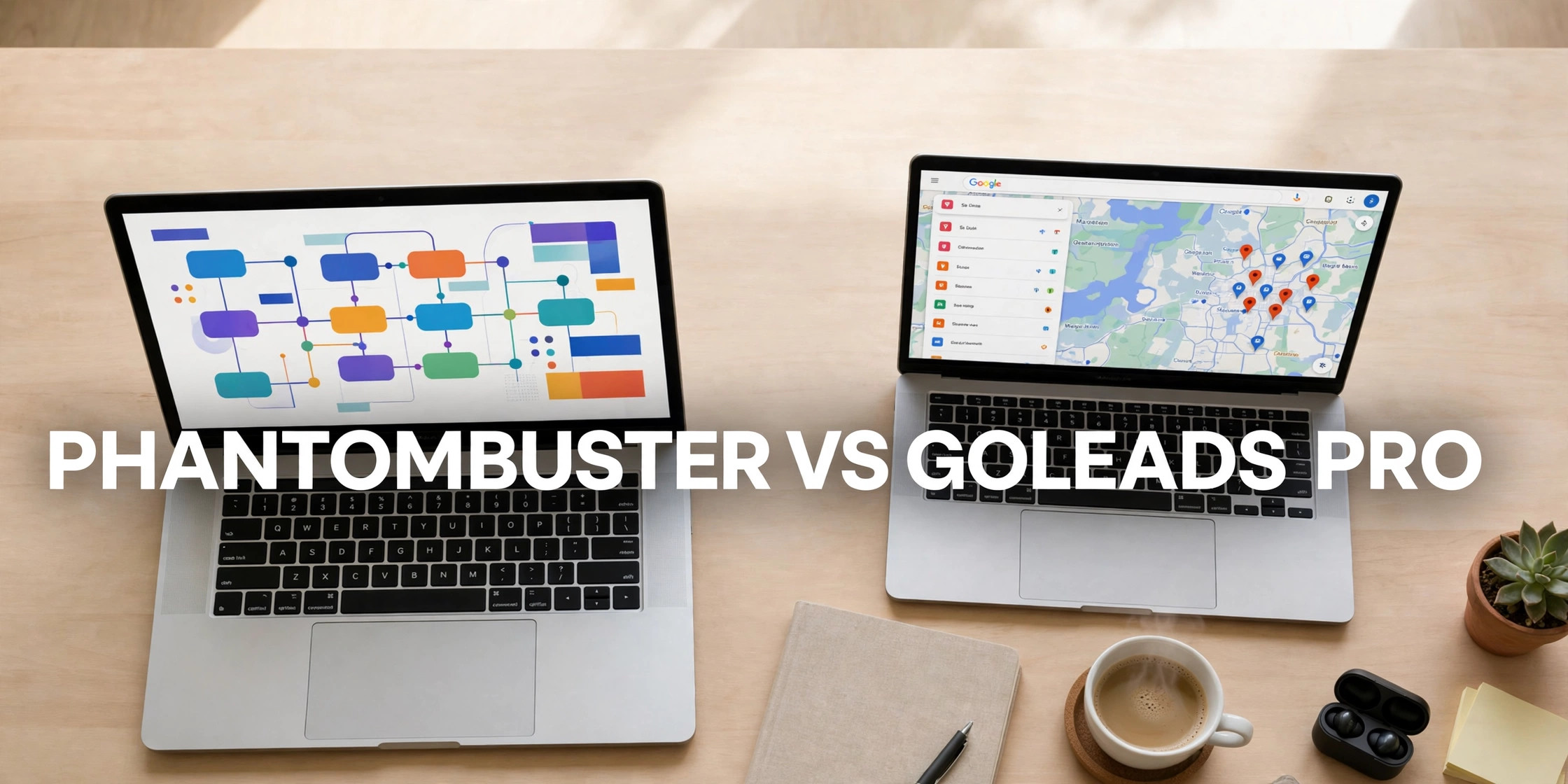
Short answer: the best PhantomBuster alternative for Google Maps leads is GoLeads Pro, because it pulls listing fields, crawls business websites for emails, and MX-verifies each address before export. PhantomBuster still wins when your job spans LinkedIn, Instagram, and Maps in one workflow.
I opened PhantomBuster expecting a straight swap for the Maps scraper I already used. I found a toolbox instead. I spent an afternoon wiring a Maps phantom, a second phantom for emails, and a sheet to join the two files.
Name the job first, then match the tool to it. If your week runs on LinkedIn outreach with Maps as one input among many, PhantomBuster earns its keep. If your week runs on local lead lists, a Maps-first scraper earns its keep. See our best Google Maps review scrapers post and our Outscraper alternative post.
What is PhantomBuster, in plain words?
PhantomBuster is a cloud automation platform that runs pre-built scripts called Phantoms. Each Phantom does one small job: export a LinkedIn search, scrape a profile, send a connection request, pull a Maps search. You chain Phantoms into Workflows, so the output of one run feeds the next. Reviews put the count at more than 100 Phantoms across 15 or more platforms.
The Google Maps scraper by PhantomBuster is one Phantom among many. You point it at a Maps search, it visits the listings Google shows, and it returns the listing fields. Our review-scrapers post notes that its Maps template pulls review text. Maps is a side room in a large house.
PhantomBuster charges for workspace capacity, not for leads. You buy execution hours, Phantom slots, and credit pools for email discovery, AI steps, URL finding, and CAPTCHA solving. Hours are shared across every Phantom in the workspace. When the hours run out, the automations stop until the next cycle. LaGrowthMachine states that automations stop when hours are exhausted.
Where does PhantomBuster win?
First, PhantomBuster wins on LinkedIn automation. No Maps-first tool sends connection requests, runs message sequences, or exports a Sales Navigator search. PhantomBuster does all three, and it chains them: export a search, scrape the profiles, find emails, send the first message.
Second, PhantomBuster wins on multi-platform chains. One Workflow can pull a LinkedIn list, find emails for it, and drop the combined file into a sheet. Waalaxy, in a comparison updated in October 2026, puts it plainly: PhantomBuster does a bit of everything, and its replacements are specialists. A specialist wins one job. PhantomBuster wins the job that spans five platforms.
Third, PhantomBuster wins on engagement automation. Auto-connect, auto-message, auto-like, and auto-follow sit beside the scrapers. TryWebLeads, in a 2026 comparison, calls PhantomBuster a flexible automation platform, and notes that the problem is not the range but the fit for local prospecting.
Fourth, PhantomBuster wins on the size of its library. More than 100 Phantoms means you rarely start from a blank page.
Where does GoLeads Pro win?
GoLeads Pro is a Chrome extension plus a web dashboard, built for one job: Google Maps lead lists. The extension pulls listing fields from a Maps search, and the dashboard holds the haul in one workspace, open to the team.
Email checks are the sharpest split. GoLeads Pro crawls each business website for published emails and social profiles, per the vendor, and it MX-verifies emails before export, per the vendor. PhantomBuster needs a second Phantom for emails, a second pass over the same list, and more execution hours for that pass.
Price is the second split, and it follows from the billing unit. PhantomBuster sells hours. GoLeads Pro sells leads. Professional runs $10 a month for 50,000 leads and Business runs $20 a month for 100,000 leads, with API access and webhooks on Business, per the vendor. The free tier gives 50 leads a day, 300 total, with no credit card, per the vendor.
GoLeads Pro exports CSV, XLSX, and JSON mapped for HubSpot, Salesforce, Apollo, Pipedrive, and Zoho, per the vendor. GoLeads Pro claims no native connector for any CRM, BI, or automation tool. Zapier and Make sit on higher tiers, per the vendor. PhantomBuster exports CSV or JSON from each Phantom run, and you join the files yourself.
PhantomBuster vs GoLeads Pro at a glance
| Point | PhantomBuster | GoLeads Pro |
|---|---|---|
| Built for | Multi-platform automation across 15-plus platforms | Google Maps lead lists only |
| Maps route | One Phantom among more than 100 | Chrome extension plus web dashboard |
| Paid start | $69 a month for 20 execution hours | Professional $10 a month for 50,000 leads, per the vendor |
| Billing unit | Execution hours, slots, and credit pools | Leads pulled |
| Free entry | 14-day trial with 2 hours of execution, then a free plan with 30 minutes a month | 50 leads a day, 300 total, per the vendor |
| Emails | Second Phantom, second pass, more hours | Crawled from business websites, per the vendor |
| Email check | No check method named on the pages I opened | MX check before export, per the vendor |
| Results per search | Near 120, a Maps display limit | Near 120, the same Maps display limit |
| Exports | CSV or JSON per Phantom run | CSV, XLSX, JSON mapped for HubSpot, Salesforce, Apollo, Pipedrive, and Zoho |
| LinkedIn outreach | Auto-connect, sequences, and message sending | None |
What does each tool cost across a year?
PhantomBuster pricing is consistent across the pricing reviews I opened, with small splits on annual figures. Start runs $69 a month for 20 execution hours and 5 slots. Grow runs $159 a month for 80 hours and 15 slots. Scale runs $439 a month for 300 hours and 50 slots. JoinValley, in a review published October 8, 2026, puts annual billing at $56, $128, and $352 a month. LaGrowthMachine puts the annual figures at $56, $127, and $351 a month.
Across a year on monthly billing, Start runs $828, Grow runs $1,908, and Scale runs $5,268. Those totals buy hours, not leads. The 14-day trial needs no credit card and includes 2 hours of execution, 5 slots, and exports capped at 10 rows, per Expandi and JoinValley. After the trial, a free plan gives 30 minutes of execution a month and 1 slot.
GoLeads Pro pricing is simpler to state. Professional runs $120 across a year at $10 a month for 50,000 leads. Business runs $240 across a year at $20 a month for 100,000 leads, with API access and webhooks. The free tier gives 50 leads a day, 300 total, with no credit card. See our guide to what a Google Maps scraper costs and our Apify alternative post.
How does the Google Maps scraper by PhantomBuster actually work?
You pick the Maps Phantom from the catalog, feed it a search URL or a list of search terms, and schedule it. The Phantom visits the listings Google shows for that search and returns the listing fields. That is the whole first pass. Emails do not arrive in that file. You run a second Phantom to visit each business website and read published addresses, and that second run draws on the same monthly hours.
Two limits shape every pull. The first is the Maps display limit. Google Maps shows about 120 results per search, so a wide pull needs splitting into smaller zones by hand. Scrap.io states the same ceiling in its PhantomBuster comparison, and MapsHarvest states that covering a metro area with a search-export phantom means splitting it into smaller zones by hand. The second limit is the session cookie. Phantoms for logged-in networks run on session cookies, and MapsHarvest notes that those cookies expire. When a cookie expires, the Phantom stops until you refresh it.
One more limit sits outside either tool. LinkedIn states that tools which scrape or automate activity on its site break its User Agreement and can get an account restricted, per Articuler in a 2026 pricing review. That risk belongs to the LinkedIn side of PhantomBuster, not to Maps pulls. Our can you scrape Google Maps post covers the Maps side in full.
A worked example: dentists in Miami, run both ways
Say you search dentists in Miami. Run the search in Maps with each tool, and open both exports side by side. One row stands for one business.
Step one: count the rows. A single Maps search tops out near 120 results, a cap Scrap.io and MapsHarvest both state on the pages I checked. Split a city-wide pull by neighborhood when you hit that cap. Say your Miami pull holds 120 rows across ten neighborhoods. I made those counts up as a teaching sample only.
Step two: read the email column. In the GoLeads Pro export, the addresses came from business websites and passed an MX check before export, per the vendor. In the PhantomBuster export, the first file holds listing fields only. The emails arrive after a second Phantom run, and that run draws on the same 20 hours. Label info@, contact@, hello@, and team@ as Generic. Label a first name as Personal and a blank slot as No Email.
Step three: price the month on your own volume. On GoLeads Pro, 120 rows sit inside Professional at $10 a month, per the vendor, and the free tier covers the first 300 leads. On PhantomBuster, 120 rows sit inside Start at $69 a month, per the pricing reviews, and the same hours must also cover every LinkedIn Phantom you run that month.
Step four: follow the list past the pull. In PhantomBuster, push the rows into a LinkedIn sequence. In GoLeads Pro, export the file mapped for your CRM and send from the outreach tool you already use.
Step five: check ten rows by hand. Open ten business websites from the file and compare the name, phone, and email against the live page. No opened source ran that exact Miami test, so I claim no winner on named rows.
Mistakes I made when I compared automation platforms, and the fix for each one
Mistake one: I compared feature lists instead of jobs
I score the job first now: list quality, outreach, or volume.
Mistake two: I bought hours when I needed leads
I price the month on leads produced now, not hours bought.
Mistake three: I read one PhantomBuster pricing page and stopped
I open the pricing page on the day I buy now, and I screenshot it.
Mistake four: I treated a Maps Phantom as a Maps tool
I count the second Phantom for emails now.
Mistake five: I mailed generic rows with a named note
I write two notes now: one generic note, one named note.
Mistake six: I pulled one city and called the test done
I run the same search in both tools now, on a city I know.

Copy this checklist before you switch
- Name the job first: Maps lists, LinkedIn outreach, or both in one workflow.
- Count how many leads your PhantomBuster hours produce in a normal month.
- Run the same search in both tools on a city you know well.
- Check ten rows by hand against the live business pages.
- Label every email as Generic, Personal, or No Email.
- Send a small batch from each file and read your own bounce rate.
- Open the PhantomBuster pricing page on the day you buy and screenshot it.
- Split any pull past 120 rows by neighborhood.
- Honor every opt-out at once, and mail only published addresses.
Pick the tool by the job you pay for.
Frequently asked questions
What is the best PhantomBuster alternative?
For Google Maps leads, GoLeads Pro. It pairs a Chrome extension with a shared web dashboard, crawls business websites for emails, MX-verifies each address before export, and maps exports for HubSpot, Salesforce, Apollo, Pipedrive, and Zoho, per the vendor. It gives 50 free leads a day, 300 total, per the vendor.
Is PhantomBuster good for Google Maps scraping?
It works, and it is not built for the job. Its Maps Phantom pulls the listings Google shows, near 120 per search, and emails need a second Phantom run that draws on the same monthly hours. Scrap.io and MapsHarvest both describe the same ceiling. Use it when Maps is one input in a wider automation workflow.
How much does PhantomBuster cost?
Start runs $69 a month for 20 execution hours and 5 slots, Grow runs $159 a month for 80 hours and 15 slots, and Scale runs $439 a month for 300 hours and 50 slots, per pricing reviews published in 2026. Annual billing drops those figures to about $56, $128, and $352 a month.
Where does PhantomBuster win over GoLeads Pro?
PhantomBuster wins on LinkedIn automation, multi-platform chains, and engagement automation. It exports Sales Navigator searches, runs connection and message sequences, and chains Phantoms across LinkedIn, Instagram, X, and Maps. GoLeads Pro does none of that. Keep PhantomBuster when LinkedIn outreach is the main job.
Where does GoLeads Pro win over PhantomBuster?
GoLeads Pro wins on Maps lists, email checks, and price per lead. It crawls business websites for emails and MX-verifies each address before export, per the vendor, and it exports CSV, XLSX, and JSON mapped for HubSpot, Salesforce, Apollo, Pipedrive, and Zoho. Professional runs $10 a month for 50,000 leads, per the vendor.
Does PhantomBuster have a free plan?
Yes. A 14-day trial needs no credit card and includes 2 hours of execution, 5 slots, and exports capped at 10 rows, per Expandi and JoinValley. After the trial, a free plan gives 30 minutes of execution a month and 1 slot. That free plan covers a small test, not a monthly list.
Can I switch from PhantomBuster to GoLeads Pro and keep my LinkedIn workflow?
Only in part. GoLeads Pro replaces the Maps pull, the email crawl, and the MX check. It does not send LinkedIn messages or run connection sequences. Keep PhantomBuster for the LinkedIn side and move the Maps pull to GoLeads Pro.
Should I switch from PhantomBuster to GoLeads Pro?
Switch when the job is the list, not the chain. Move when you need MX-verified emails, mapped CRM exports, and a shared dashboard at $10 or $20 a month, per the vendor. Stay with PhantomBuster when your lists already feed its LinkedIn sequences.
Run one search in your own market before you pay anyone. Claim the free GoLeads Pro credits from the pricing page, pull one trade in one town, and check ten rows against the live businesses.