
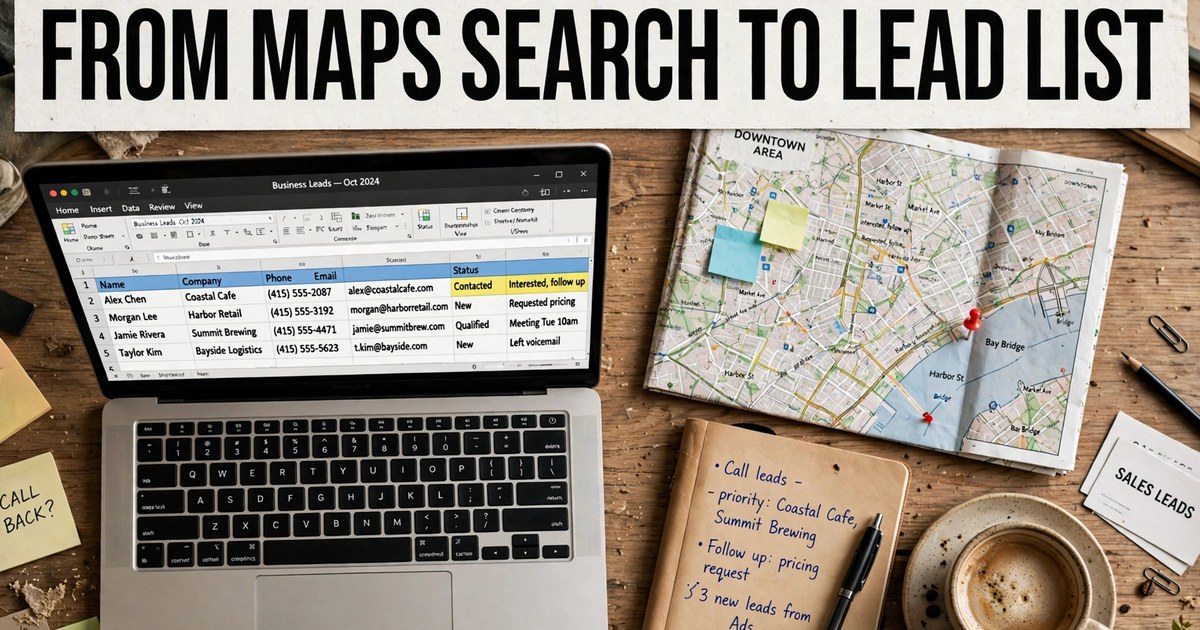
I extract leads from Google Maps by searching a trade plus a city, capturing the listings that come back, adding emails from each business website, checking every contact, and importing the finished file into my CRM. A browser extension plus a dashboard runs the whole path in minutes. Manual copying works for a dozen rows and breaks past that.
If you searched for how to extract leads from google, this is the workflow I run, start to finish. The same path answers how to extract data from google map business listings. A CRM is customer relationship management software, the system where you track companies and deals. This guide covers the full run from the first search to the first campaign.
I start with the market, not the tool
I pick one trade and one town before I open Maps. Say you search dentists in Miami. Broad searches return thousands of listings, and most sit outside your pitch. I narrow first: one trade, one town, one filter set. A rating floor of 4.0 stars suits offers aimed at firms that guard their reputation. A lower floor suits reputation repair. Website presence splits the list: rows with a site give you something to audit, and rows without one hand web designers their opening line.
How do I pull a list by hand?
I search Maps, scroll the full results panel, and copy each listing into a spreadsheet by hand. For a dozen rows, this works. Past that, the cost shows up in three places: time, typos, and missing emails. Google Maps listings do not display email addresses, so my manual list stops at phone and website. The file also goes stale fast: firms move, close, and rebrand.
Why does my capture stop halfway down the list?
I scroll the results panel to the bottom before I start, because a capture only sees listings that already loaded. I watch the panel until it stops adding listings, then I start the capture. A short file usually means a short scroll, not a broken tool.
How does an extension change the job?
An extension reads the listings in my browser and saves them as rows, so the copy work disappears. I install the extension, run the same Maps search, and start the capture, and the tool records each listing's public fields in fixed columns. People who scrape google for leads usually start here. This needs no code: an extension and a dashboard need no coding, no API keys, and no setup files. Open-source scrapers are the exception: they cost nothing and ask for Python skills in return. A plain extension stops at listing data: it finds no emails and checks none, which is why the roundup of the best GMB scraper Chrome extensions compares tools on email extraction. The Lead Sniper alternative comparison scores five options on the same rows. The extension step ends with a raw file.
What does the dashboard add after the capture?
The dashboard stores, dedupes, and adds emails to my haul, so the list I export is cleaner than the raw capture. A leads extractor for google maps pairs an extension with a dashboard and moves the work off my browser tab. Captures land in one workspace, and dedupe, which removes repeat rows, merges duplicates across multi-location scans. The website crawl runs after the capture and adds published emails and social profiles from each business website. GoLeads Pro runs an MX check, which asks the mail server whether an address can receive mail at all, on every email before export, and checks phone numbers for active status. The company reports bounce rates under 3% on verified exports, against a 12 to 15% average for purchased lists, and 98% of phone numbers verified (vendor-reported). The Google My Business scraper guide and the Google Maps lead extractor guide cover the listing fields and the verification pass in more depth.
Why do so many rows come back with no email?
I expect it. A listing never shows an email, and many business sites do not publish one either. Prospeo puts the share of small business sites that show an email between 30% and 70%, so a file where half the rows lack an email is normal, not a failed run. What I watch for is the split: rows with a website and no email go on a call list. Rows with no website and no email get cut, since I have no contact path at all. I never guess an email from a name pattern. A guessed address bounces.
Three methods side by side
Manual wins on cost alone and loses on everything past a dozen rows.
| Method | Time for 100 rows | Fields you get | Emails | Cost shape | Best for |
|---|---|---|---|---|---|
| Manual copy | An afternoon of copying | Listing fields only | None, unless you visit each site | Free, paid in time | A dozen rows or a one-off count |
| Extension capture | Minutes | Listing fields, in fixed columns | Only if the tool crawls websites | Free tiers exist; paid plans vary | Targeted lists in one city |
| Extension plus dashboard | Minutes, plus checks | Listing fields plus emails and social profiles | Crawled from business websites, MX-checked | Free credits, then monthly plans | Outreach lists you will mail |
How do I clean and verify the list?
I drop duplicates, drop rows with no contact path, and check every email and phone before the list reaches a sending tool. Cleaning runs in four passes. First, I dedupe: one business often appears in several nearby town searches. Second, I cut rows with no phone and no website. Third, I verify emails: a bounce is a message the mail server rejects, and I drop failed rows before a campaign starts. Fourth, I check phones for active status. What I watch for is rows that look complete but fail the mailbox check. A file that clears all four passes can go to a CRM. For cold email, I send only from a file that clears every pass. I re-run a search before a large campaign. Botsol suggests a refresh every 3 to 6 months for active outreach lists.
How do I get the list into my CRM or a sheet?
I export the finished file as CSV or XLSX and import it with the columns mapped once. CSV is a plain spreadsheet file and XLSX is the Excel format. The CSV opens in Google Sheets too: no extra step, just open the file. GoLeads Pro maps its export columns for HubSpot, Salesforce, and Apollo, so the import takes minutes. I map the fields once and save the mapping: business name, website, email, phone, rating, and review count to the matching CRM fields. I keep the source listing URL and the export date on each row.
How do I send the first campaign without burning my domain?
I send a small test batch first, with every CAN-SPAM rule in place. I start with 20 to 50 rows, not the whole file, so I see bounce and reply rates before the full list goes out. A burned domain is one mailbox providers stop trusting, and it happens when bounces and spam complaints pile up. Every commercial email in the US must follow CAN-SPAM: the FTC guide states the law makes no exception for business-to-business email. Each message needs truthful header information, a subject line that reflects the content, a clear statement that the message is an ad, a valid physical postal address, and a working opt-out that gets honored within 10 business days. The FTC guide puts penalties at up to $53,088 per email in violation. I keep a suppression list from day one: every opt-out and bounce goes on it, and later campaigns never mail it again. The legality guide and the free GMB lead extractor guide cover the outreach rules and a full first run on free credits.
When is this workflow the wrong fit?
It is the wrong fit when I need named people at large companies, or when my buyers sit outside Maps listings. A Maps scrape returns companies, not org charts. I get the business, its phone, its website, its ratings, and any email it publishes. I do not get the owner's name, a job title, or a direct line to the person who signs contracts. If my sale runs through a named contact at a large firm, I need a contact database built for that job. A scrape also fits poorly for consumer marketing lists or private contact details. And a business with no website offers no page to crawl, so its record stops at phone and address.
My first-campaign readiness checklist
I run this checklist before the first send.
- Market defined: one trade, one town
- Duplicates removed across every search
- Rows with no phone and no website cut
- Every email MX-checked; failed rows marked or dropped
- Every phone checked for active status
- Columns mapped to the CRM once, mapping saved
- Source listing URL kept on each row
- Export date stamped on the file
- CAN-SPAM footer in place: physical address plus working opt-out
- Suppression list started before the first send
- Test batch sized at 20 to 50 rows
Frequently asked questions
How do you extract leads from Google Maps?
I search Google Maps for a trade plus a city, scroll the results panel so the full list loads, and capture the listings with an extension or by hand. I add emails by crawling each business website, since listings do not show them. I check every email and phone, drop duplicates, then export the file as CSV or XLSX and import it into my CRM.
Can you extract emails from Google Maps listings?
No tool pulls emails from the listing itself, since Google Maps listings do not display email addresses. Tools that return emails visit the website on the listing and read addresses the business publishes on its contact page, footer, or about page. GoLeads Pro then runs an MX check on each address to confirm the mailbox accepts mail. A list with no website crawl gives you phones and addresses only.
How many leads can you pull for free?
GoLeads Pro starts new accounts with free credits: 50 leads a day, 300 in total, with no credit card asked for. That covers a first test in one trade and one town. Manual copying costs nothing too, but the time cost climbs fast past a dozen rows. Paid plans raise the ceiling to 50,000 and 100,000 leads a month, with the website crawl and verification included. The free vs paid page lays out each tier.
How do you import Google Maps leads into a CRM?
I export the finished list as CSV or XLSX, then import it with the columns mapped once: business name to company name, website to company domain, email to contact email, and phone to company phone. GoLeads Pro maps its exports for HubSpot, Salesforce, and Apollo, so the import needs no manual cleanup. I keep the source listing URL on each row, so any record can be traced back.
Is it legal to scrape Google Maps for leads?
For public business data, yes in most cases. US courts, led by hiQ Labs v. LinkedIn in the Ninth Circuit in 2022, have held that collecting data anyone can view does not violate the federal hacking law. Google's terms still bar automated access, so a terms breach can cost you account action. The legality guide covers the court rulings, GDPR, CCPA, and CAN-SPAM duties in full.
Start with one search in your own market. Create a free GoLeads Pro account, run the extraction on a trade you sell to, and hold the export against the checklist above. Fifty leads a day costs nothing, asks for no card, and shows you whether Maps data fits your outreach.