
Free GMB Lead Extractor: Extract Leads from Google My Business (Free, 2026)
Yes, you can extract leads from Google My Business listings for free. A free GMB lead extractor pulls public business data, names, phone numbers, addresses, websites, and ratings, from Google Maps listings in minutes. The best tools go further: they visit each business's website to find verified email addresses, so your list is ready for outreach the moment you export it. In this guide, you'll learn exactly how to do it in under 10 minutes, what data you can (and can't) get for free, and how to stay compliant while you do it.
What Is a GMB Lead Extractor?
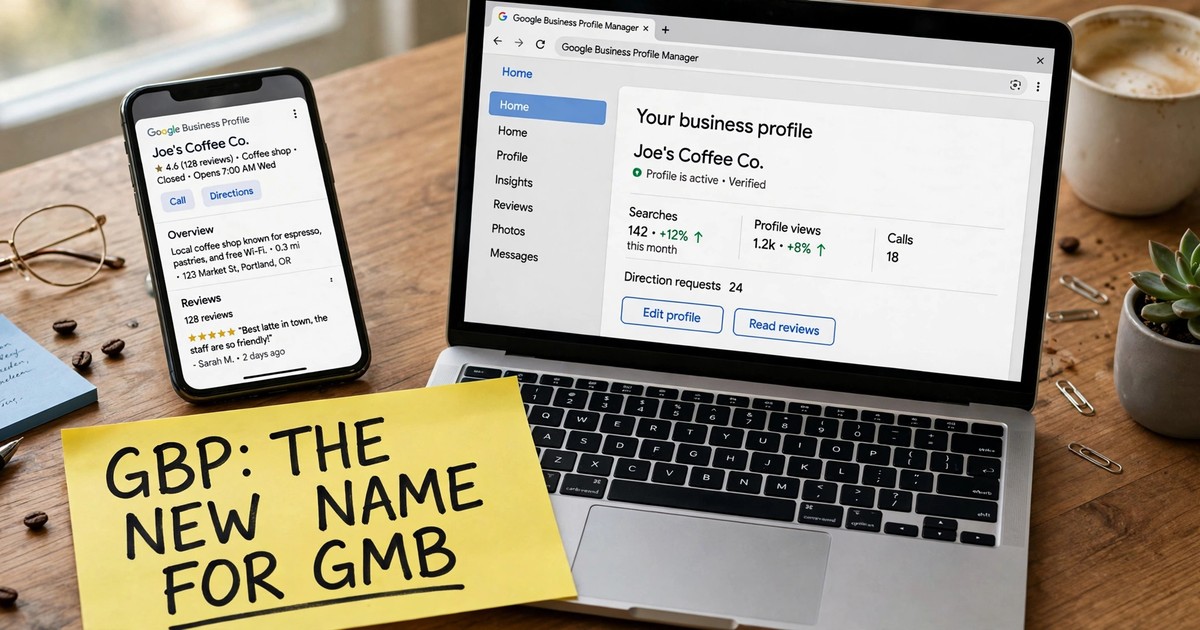
A GMB lead extractor is a tool that automatically collects public business information from Google My Business listings, now officially called Google Business Profiles and turns it into a structured lead list you can download as a spreadsheet.
Instead of manually copying business names, phone numbers, and websites from Google Maps one by one (a process that takes hours for even a few hundred prospects), an extractor does it in bulk: you search for an industry and a location — for example, "plumbers in Austin" or "restaurants in Manchester" — and the tool captures every listing on the results page, complete with contact details.
Most extractors work in one of two ways:
- Chrome extension: runs inside your browser while you browse Google Maps, capturing listings in real time with one click.
- Web dashboard: you enter a keyword and location, and a cloud scraper returns the full dataset without tying up your computer.
GoLeads Pro combines both: a Chrome extension synced with a web dashboard, so leads captured in your browser appear in your dashboard instantly, deduplicated and ready to export.
What Business Data Can You Extract from Google My Business?
Every Google Business Profile is a rich public record. Here's what a capable extractor pulls from each listing:
| Data field | Source | Typical availability |
|---|---|---|
| Business name | Maps listing | Always |
| Category (e.g., "Dentist") | Maps listing | Always |
| Full address | Maps listing | Almost always |
| Phone number | Maps listing | Very common |
| Website URL | Maps listing | Common |
| Star rating & review count | Maps listing | Always (when reviews exist) |
| Opening hours | Maps listing | Common |
| Email address | Business website crawl | When published on their site |
| Social profiles (LinkedIn, Facebook, Instagram) | Business website crawl | When linked on their site |
One important nuance: Google Maps listings don't display email addresses. Any tool that promises "emails from Google Maps" is really doing a second step — visiting each business's own website and scanning the contact page, footer, and about section for publicly listed emails. That's exactly how GoLeads Pro's verified email extraction works, and every address is then checked against the mail server so bounced emails don't wreck your sender reputation.
Is There Really a Free GMB Lead Extractor?
Yes — with limits. Nearly every serious extractor offers a free tier, because the fastest way to prove the tool works is to let you run it on your own market. Here's what "free" typically looks like in 2026:
- GoLeads Pro: free credits on signup — 50 leads per day (300 total), no credit card required. Includes the Maps listing extractor and CSV/Excel export.
- Instant Data Scraper: completely free Chrome extension, but no email extraction and limited fields.
- Data Miner: 500 free pages per month, but requires setup and recipes.
The honest catch with free plans:
- Lead caps — free tiers limit how many businesses you can extract.
- No email enrichment — most free tools skip the website-crawl step that finds emails, which is the most valuable part of the record.
- No verification — unverified emails bounce, and bounce rates above 5% damage your domain's deliverability.
- Manual work — free tools rarely deduplicate, format for your CRM, or filter by rating and review count.
Bottom line: a free extractor is perfect for testing the workflow and building your first few hundred leads. When you're running real outreach at scale, the paid tier pays for itself the first time it saves you from a burned sending domain.
How to Extract Leads from Google My Business in 5 Steps
Here's the exact workflow using GoLeads Pro's free tier. No coding, no credit card — about 10 minutes start to finish.
Step 1: Create your free account
Sign up free — your trial credits are active instantly. There's no paywall between you and your first extraction.
Step 2: Install the Chrome extension
Pin the GoLeads Pro Chrome extension to your browser. It takes about 30 seconds and needs no API keys or developer setup.
Step 3: Search Google Maps for your target market
Open Google Maps and type any industry + location combination: "dentists in Miami," "roofing contractors in Manchester," "salons in Dubai." Scroll through the results so the full list loads.
Step 4: Extract and filter your leads
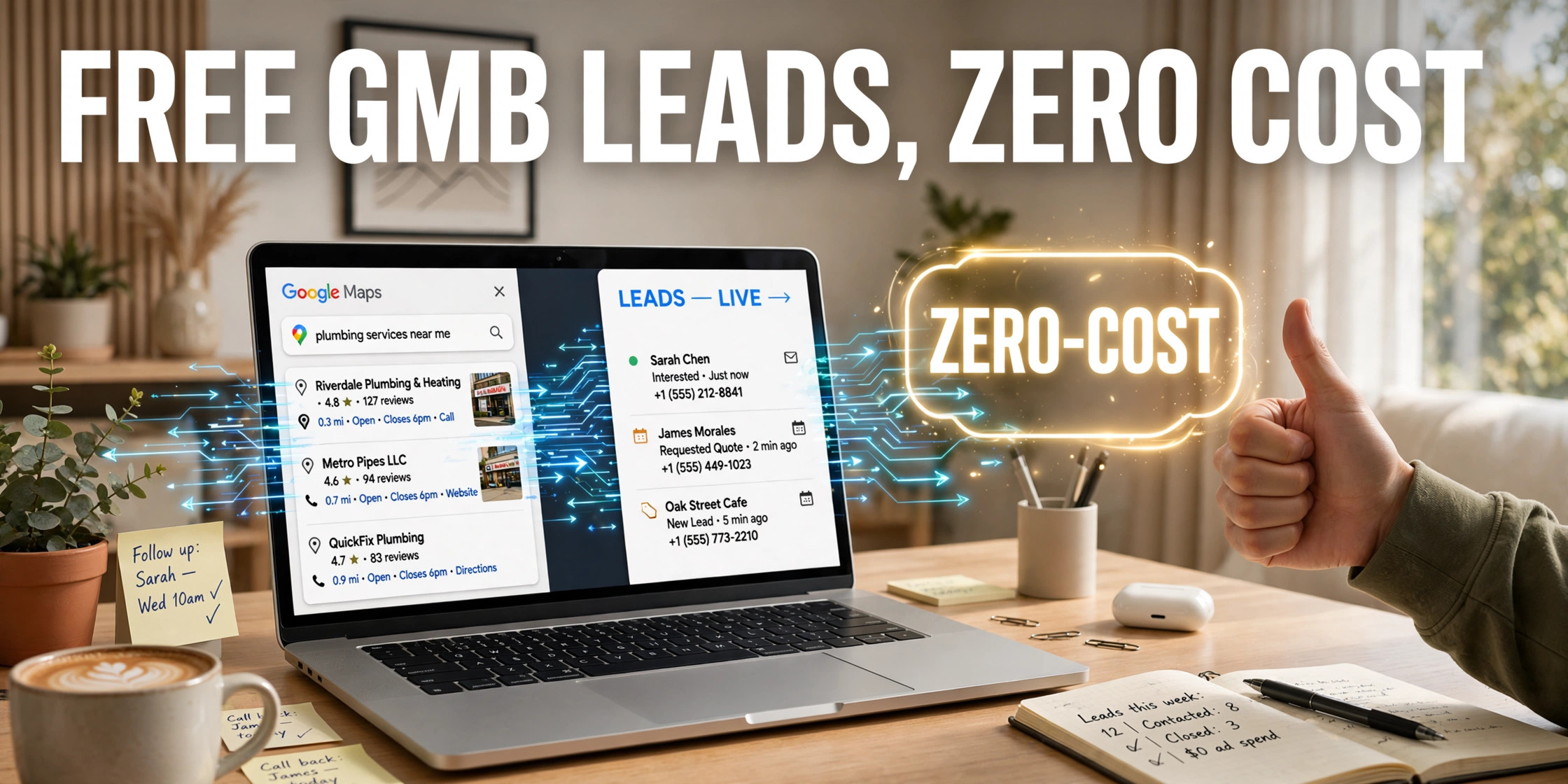
Click the extraction overlay and watch leads fill in live — business name, phone, website, address, ratings, and review counts. Then filter: for example, only businesses with a website, a rating above 3.5, or more than 20 reviews. Filtering before you export means you never spend credits on bad-fit prospects.
Step 5: Verify emails and export
The tool crawls each business's website for publicly listed emails and verifies them against the mail server. Export the clean, deduplicated list to CSV, Excel, or JSON — formatted for direct import into HubSpot, Salesforce, Pipedrive, or Apollo.
That's it: a Google Maps search becomes a CRM-ready lead list. What would take 40–80 hours of manual research for 1,000 prospects takes about 30 minutes.
Free vs Paid GMB Lead Extractors: What's the Difference?
| Feature | Free tier (typical) | Paid tier (GoLeads Pro) |
|---|---|---|
| Monthly lead volume | ~300 leads total | 50,000–100,000+ leads/month |
| Business name, phone, address | Yes | Yes |
| Website email extraction | Usually no | Yes, with MX verification |
| Social profile finder | No | Yes |
| Review & rating data | Basic | Full, filterable |
| Deduplication | Manual | Automatic |
| Export formats | CSV | CSV, XLSX, JSON + CRM mapping |
| CRM integrations | No | HubSpot, Salesforce, Apollo, Zapier |
See the full breakdown on our free vs paid comparison page.
How to Get Email Addresses from GMB Listings
This is the question behind the question — and the reason most people search for a GMB lead extractor in the first place. Since Google doesn't publish emails on listings, here's how the pros do it:
- Extract the website URL from each Maps listing (every good extractor does this automatically).
- Crawl the business website — the contact page, footer, and about section are where businesses publish their emails.
- Verify every address with an MX record check before it ever reaches your list. This is the step that separates a <3% bounce rate from the 12–15% industry average for purchased lists.
GoLeads Pro automates all three steps: extraction, website crawling, and verification happen in one pass, so the emails in your export are already confirmed deliverable. Low bounce rates aren't just a vanity metric — they're what keep your domain off blacklists and your cold emails in the inbox.
Is Extracting Leads from Google My Business Legal?
For publicly available business information — names, addresses, phone numbers, ratings — yes, in most jurisdictions. US courts have repeatedly held that scraping publicly available data doesn't violate computer fraud statutes (the key precedent is hiQ Labs v. LinkedIn, 9th Circuit, 2022). Under GDPR, contacting EU businesses can fall under legitimate interest, provided you offer a clear opt-out.
Two rules keep you safe: stick to business data (not personal data like individual reviewer names), and make your outreach compliant — include an unsubscribe option and follow CAN-SPAM. Google's Terms of Service technically prohibit automated access, but a ToS violation is a contractual matter, not a criminal one — courts have consistently drawn that line.
This is a summary, not legal advice. We'll publish a full 2026 legal guide soon.
Who Should Use a Free GMB Lead Extractor?
- Cold outreach & lead-gen agencies — build hyperlocal prospect lists in minutes instead of paying for expensive data subscriptions.
- Marketing & SEO agencies — filter for businesses with poor ratings or no website, then pitch audits and retainers.
- SaaS founders & SDRs — fuel outbound sequences with verified SMB contact data.
- Recruiters & B2B service providers — reach business owners and decision-makers in any local market without ad spend.
- Freelancers & consultants — find clients in any niche and city on a zero budget.
Frequently Asked Questions
Is there a free GMB lead extractor?
Yes. GoLeads Pro offers free credits on signup (50 leads/day, 300 total, no credit card), and free Chrome extensions like Instant Data Scraper extract basic listing data. Free tiers usually cap volume and skip email extraction and verification.
How do I extract leads from Google My Business for free?
Create a free account with a GMB extractor, install its Chrome extension, search Google Maps for your industry and location, click extract, filter by rating or website presence, and export to CSV or Excel. The whole process takes under 10 minutes.
Does Google My Business show email addresses?
No — Google Maps listings don't display email addresses. Extractors get emails by visiting each business's own website and scanning it for publicly listed contact emails, then verifying them.
How many leads can I extract for free?
It depends on the tool. GoLeads Pro's free tier includes 50 leads per day up to 300 total. Other free tools may be unlimited but lack emails, verification, and CRM-ready exports.
Is it legal to extract leads from Google My Business?
Extracting publicly available business information (names, phones, addresses, ratings) is legal in most jurisdictions under precedents like hiQ Labs v. LinkedIn. Keep outreach compliant with CAN-SPAM (US) and GDPR (EU), and stick to business — not personal — data.
What's the difference between a GMB scraper and a Google Maps scraper?
They're essentially the same thing. "GMB scraper" and "Google Maps scraper" both refer to tools that extract business data from Google Maps listings, which are powered by Google Business Profiles (formerly Google My Business).
How do I export GMB leads to Excel?
Any capable extractor offers one-click export. In GoLeads Pro, click Export and choose XLSX — columns arrive clean and labeled, ready for Excel or direct import into HubSpot, Salesforce, or Pipedrive.
How accurate is the extracted data?
Because the data comes from live Google listings that businesses maintain themselves, accuracy is very high — GoLeads Pro verifies 98% of phone numbers for active dial status and keeps email bounce rates under 3% through MX verification.
Start Extracting Free GMB Leads Today
You don't need a budget, a developer, or a data subscription to start building a B2B lead list. You need a Google Maps search and a tool that turns it into verified contact data.
Create your free GoLeads Pro account — free credits on signup, no credit card required — and turn your first Maps search into a CRM-ready lead list in the next 10 minutes.