
Short answer: a business directory scraper copies listings from a directory site into a sheet, with one row per business and columns for name, phone, address, category, rating, and website. Google Maps wins for most local lead lists. Yelp wins for review-heavy food and service trades. Yellow Pages wins for phone-first cold calling. TripAdvisor wins for hotels and restaurants only.
I used to pull every lead list from Google Maps. Then a client asked for the best-reviewed ramen shops in one city, ranked by review count, and my Maps pull gave me names and stars but no review text worth sorting on. I ran the same search on Yelp and the picture changed in minutes.
A business directory scraper is only as good as the directory you point it at. For the Maps side, read our guide to the Google My Business scraper and our guide to the Google Maps lead extractor.
What is a business directory scraper?
A business directory scraper is a tool that reads the listings on a directory site and turns them into a structured sheet. You give it a search, such as plumbers in Austin, and it walks the result pages and copies what each listing shows.
It collects what the page shows you. MagicScraper puts it plainly on its guide page: what it collects is what the page shows you.
What fields does a directory scraper pull?
The fields depend on the directory, not on the tool. Maps shows name, phone, address, category, rating, review count, website, and hours. Yelp shows name, phone, address, categories, price range, rating, review count, and review text. Yellow Pages shows name, phone, address, category, rating, review count, and website. TripAdvisor shows name, address, rating, review count, city ranking, cuisine tags, and price range.
Emails trip people up. Maps listings almost never show an email, so a Maps tool finds emails by crawling the business website. Yellow Pages shows an email on some business pages only, and one tool review calls its email coverage patchy.
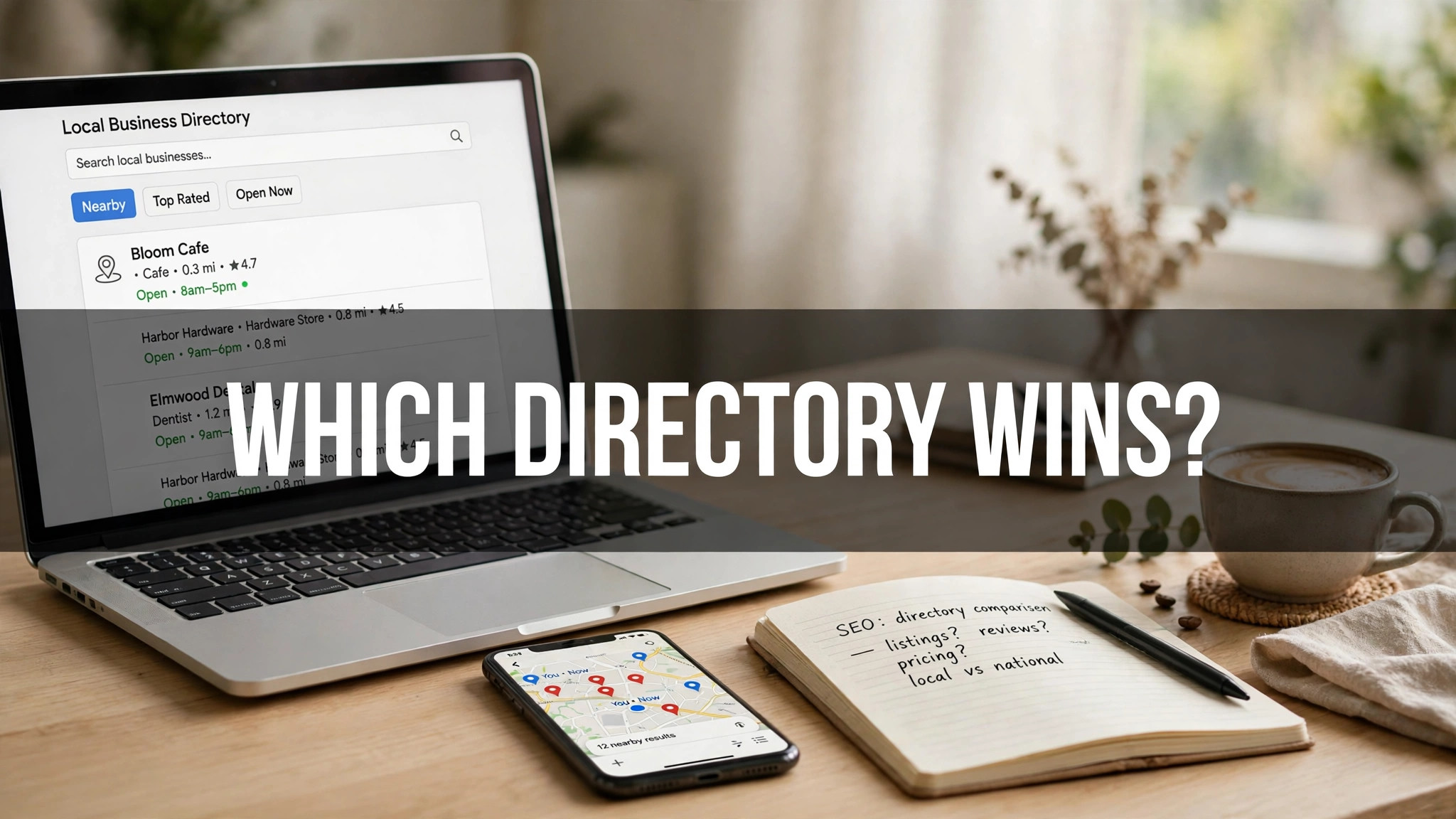
Google Maps vs Yelp vs Yellow Pages vs TripAdvisor: the four-way table
Use this table when you pick a source.
| Trait | Google Maps | Yelp | Yellow Pages | TripAdvisor |
|---|---|---|---|---|
| Best job | General local lead lists | Review-led food and service lists | Phone-first cold calling lists | Hotel and restaurant research |
| Phone numbers | Shown on most listings | Shown on most listings | Shown on most listings | Shown on detail pages |
| Emails | Not on listings, found by crawling websites | Rarely published on listings | Patchy, on some business pages | Shown on some detail pages |
| Reviews | Stars and counts, short text | Deep review text | Stars and counts | Deep review text, rankings |
| Listings per page | About 120 results per search | 10 per search page, near 240 per query per a third-party guide | 30 per results page | Paged results |
| Scraping rules | Automated access discouraged by Google terms | Scraping banned by Yelp terms | Terms bar bots without written consent | Anti-scraping measures in place |
| Official data route | Places API | Fusion API, 3 reviews per business | No public API for listings | Content API, up to 5 reviews per place |
No directory wins every row. Maps wins on breadth, Yelp on review depth, Yellow Pages on phone-first calling, and TripAdvisor inside travel and food only.
When does Yelp beat Google Maps?
Yelp beats Maps when the review text is the product. The businesses you want are the ones with a pile of recent reviews and a clear price band. Yelp shows all three on the listing: a star rating, a review count, and a price range from one to four dollar signs.
Yelp terms of service, last updated October 1, 2025 and effective January 1, 2026, bar the use of any robot, spider, or other automated means to access, copy, scrape, or index any part of the service, except as Yelp expressly permits. Its Fusion API is the permitted route. A guide puts the cap at 5,000 calls a day and 3 reviews per business, and Yelp API terms bar storing content past 24 hours, per a MapsHarvest comparison. I do not build a Yelp lead list by scraping the site.
When does Yellow Pages beat Google Maps?
Yellow Pages beats Maps when the phone is the channel. Say you sell to plumbers, electricians, roofers, or HVAC firms, and your first touch is a call. Yellow Pages listings are built around the phone number. Phone numbers come through reliably, while email coverage is patchy, per one review of a Yellow Pages scraping tool.
Its search results show 30 businesses per page, per a Web Scraper guide and a Proxy-Cheap guide, both of which I opened. A Maps search tops out near 120 results, per LeadsMap and Scrap.io. Yellow Pages terms bar bots without prior written consent, per the guide, so read the terms for the exact site before you run any tool on it.
When does TripAdvisor beat Google Maps?
TripAdvisor beats Maps when the job is travel or food, and only then. TripAdvisor gives you a ranking inside the city, such as number 5 of 1,200 restaurants, plus cuisine tags, a price range, and review volume, all on one page. Maps gives you stars and a count, but no city ranking and no cuisine tag worth sorting on.
A TripAdvisor scraping guide puts the count at over 8 million business listings and over 1 billion reviews, covering hotels, vacation rentals, tours, attractions, and restaurants around the world. That scale is narrow: a plumber barely exists on TripAdvisor. The same guide notes that the Content API needs an application and gives only up to 5 reviews per hotel or restaurant.
Pick your source in 30 seconds
This decision tree is the original asset for this post.
Step one: name the job in one line. Write down the trade, the town, and the first touch, such as call, email, or visit.
Step two: ask whether the job needs review depth. If the trade is food, beauty, or a service people review in long text, start with Yelp through its official API. If the trade is travel or food and you need a city ranking, start with TripAdvisor.
Step three: if the first touch is a phone call, and the trade is a local service or a skilled trade, start with Yellow Pages.
Step four: if neither step points at a directory, start with Google Maps, the default for a general local lead list and the source GoLeads Pro pulls from, per the vendor. Our roundup compares the Maps tools on fields, price, and limits. Step five: pull a test batch of 20 rows first, and switch sources if the fields you need are missing.
A worked example: plumbers in Austin, pulled twice
Say you search plumbers in Austin. You sell scheduling software to small plumbing firms, and your first touch is a phone call.
Pull one runs on Maps with the GoLeads Pro extension. Open Maps, search plumbers in Austin, run the extension, and export the CSV. Each row holds a name, a phone number, an address, a category, a rating, a review count, and a website.
Pull two runs on Yellow Pages. Open the Austin plumbers category page, walk the result pages at 30 listings a page, and copy name, phone, address, category, rating, and review count into the same sheet shape. Phone numbers sit on nearly every row. Emails sit on some rows only, and I would not plan an email campaign on that coverage.
The Maps sheet gives you websites and verified emails, and the Yellow Pages sheet gives you a phone-first list. For a call-first job, I work the Yellow Pages sheet first. For an email-first job, I reverse the order.
Where directory scraping breaks down
Terms come first. Yelp bars scraping in its terms. Yellow Pages bars bots without written consent. Google terms discourage automated access to Maps. TripAdvisor runs anti-scraping measures that stop a fast pull. Read the terms for the exact site before you run a tool, and use the official API where one exists.
Stale rows and thin fields come next. A listing can name a business that moved, closed, or changed its number, so pull close to use day and check the top rows first. An MX check proves a domain can receive mail at check time, not that a person still works there. Drop thin rows, and never fill a blank field with a guess.
The GoLeads Pro limit, stated plainly
Here is the limit, with no softening. GoLeads Pro scrapes Google Maps only. It does not scrape Yelp, Yellow Pages, TripAdvisor, or any other directory. If your job needs Yelp or Yellow Pages data, GoLeads Pro is not the tool for that pull.
Per the vendor, it is a Chrome extension plus a web dashboard that extracts Maps listings, crawls business websites for emails and social profiles, MX-verifies emails before export, and exports CSV, XLSX, and JSON mapped for HubSpot, Salesforce, Apollo, Pipedrive, and Zoho. The free tier gives 50 leads a day, 300 total, with no credit card, per the vendor. Professional costs $10 a month for 50,000 leads, and Business costs $20 a month for 100,000 leads, including API access and webhooks, per the vendor. No native connector is claimed for any CRM, BI, or automation tool.
When the tree points at Maps, GoLeads Pro fits. When it points elsewhere, use the official API or a tool built for that directory. For the email side of a Maps pull, read our guide to finding emails from Google Maps listings.
Mistakes I made, and the fix for each one
I made each mistake below at least once.
Mistake one: I picked the directory before I named the job
Fix: one written line before every pull, trade, town, first touch.
Mistake two: I pulled Yelp by scraping the site
Fix: use the official API now, or switch the job to Maps.
Mistake three: I planned an email campaign on Yellow Pages rows
Fix: check email coverage on a 20-row test batch first.
Mistake four: I treated TripAdvisor as a general directory
Fix: use TripAdvisor only for hotels, restaurants, and attractions.
Mistake five: I pulled the full list before reading a single row
Fix: read 20 rows first, then switch sources if fields are missing.
Mistake six: I kept stale rows because the count looked good
Fix: pull close to use day and check the top rows first.

Copy this checklist before you pull
- Write the job in one line: trade, town, first touch.
- Pick the directory from the job, using the decision tree.
- Read the terms and the robots file for that directory.
- Confirm the directory shows the fields your job needs.
- Pull a test batch of 20 rows and read every row.
- Drop thin rows, and never fill a blank field with a guess.
- MX-check emails and check top rows before you mail them.
- Keep only company-level fields unless you have a clear reason.
- Record the source directory and the pull date on the sheet.
Share this line with your team: name the job first, then pick the directory.
Frequently asked questions
What is a business directory scraper?
A business directory scraper copies listings from a directory site into a sheet, with one row per business and columns for name, phone, address, category, rating, and website. It collects only what the listing shows, so a hidden field will not appear in your export.
Is a business directory scraper legal?
That depends on the directory, its terms, and the law where you are. Yelp terms bar scraping, Yellow Pages terms bar bots without written consent, and Google terms discourage automated access to Maps. Read the terms for the exact site, use the official API where one exists, and get legal advice before a commercial pull.
Which directory is best for lead generation?
Google Maps is the best default for a general local lead list, since it covers the most trades and towns. Yelp suits review-led food and service trades, Yellow Pages suits phone-first calling to local services, and TripAdvisor suits hotels and restaurants only. Name the job first, then pick the directory that fits it.
Can a business directory scraper find emails?
It depends on the directory. Maps listings almost never show an email, so a Maps tool finds emails by crawling the linked business website. Yelp rarely publishes emails on listings. Yellow Pages shows an email on some business pages only. TripAdvisor shows an email on some restaurant and hotel detail pages.
Does GoLeads Pro scrape Yelp or Yellow Pages?
No. GoLeads Pro scrapes Google Maps only. It does not scrape Yelp, Yellow Pages, TripAdvisor, or any other directory. If your job needs one of those directories, use its official API or a tool built for that directory, and keep GoLeads Pro for your Maps pulls.
How many listings can a directory scraper collect?
It depends on the directory and the tool. A single Maps search tops out near 120 results, per LeadsMap and Scrap.io. Yellow Pages shows 30 listings per results page. Some directory tools state no page limit on the crawl itself, but the directory still sets the total through its own paging and caps.
What is the difference between a Google Maps scraper and a business directory scraper?
A Google Maps scraper pulls from one source, Google Maps. A business directory scraper is the wider term for a tool that pulls from any directory site, such as Yelp, Yellow Pages, or TripAdvisor. Every Maps scraper is a directory scraper, but most directory scrapers are built for one directory at a time.
Should I use the official API or a scraper for directory data?
Use the official API when one exists and it covers the fields you need. Yelp Fusion API gives 3 reviews per business, and the TripAdvisor Content API gives up to 5 reviews per place, so both cap review depth. When the API caps block your job, weigh the terms and the legal risk first, and keep the pull small and slow.
Run the decision tree on your next job. Name the trade, the town, and the first touch, pick the directory that fits, and pull a 20-row test batch first. When the tree points at Google Maps, try GoLeads Pro free, with 50 leads a day and 300 total, no credit card, per the vendor.