
Google My Business Scraper: How to Scrape GMB Listings for B2B Leads
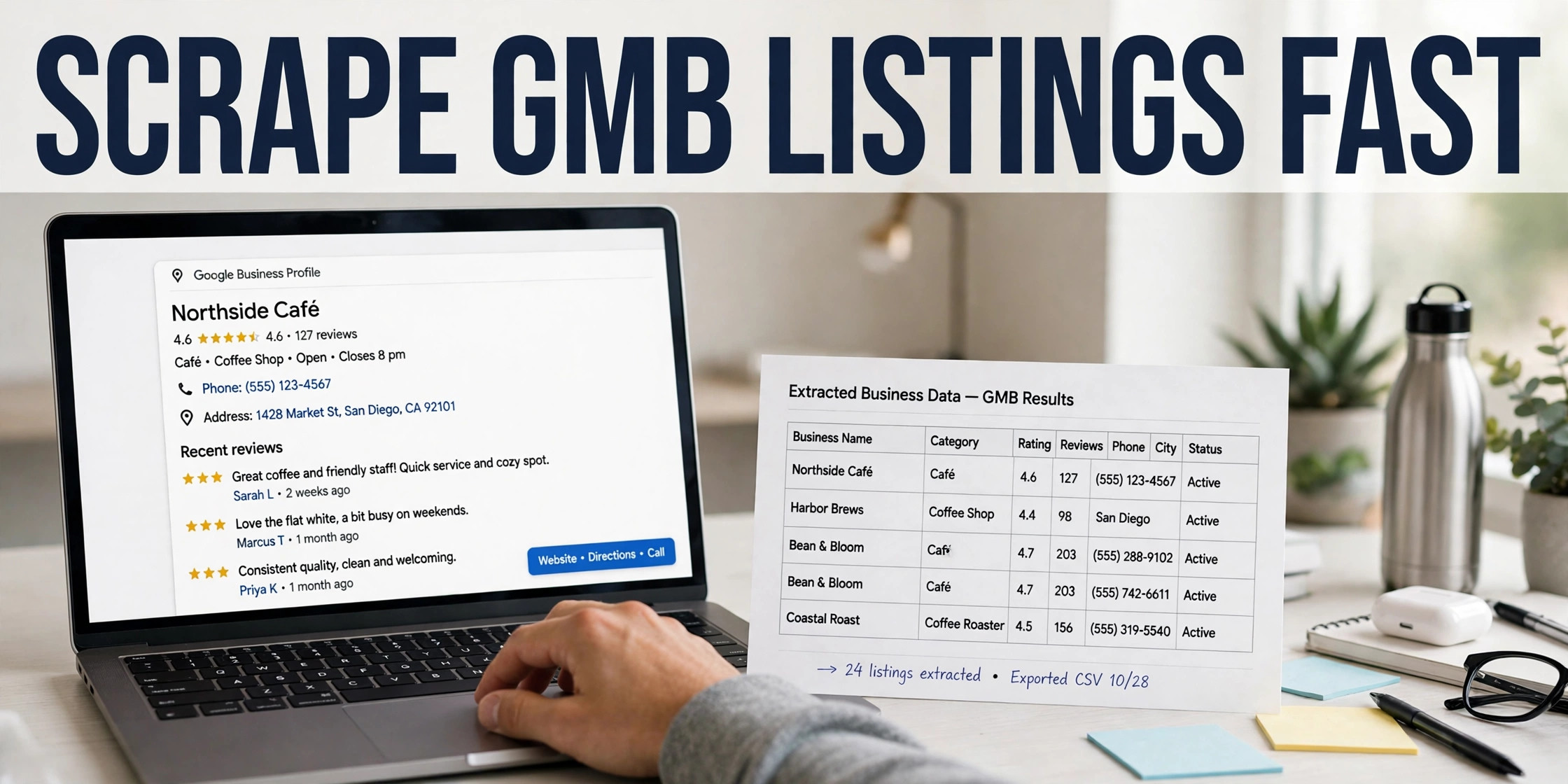
A Google My Business scraper pulls public business data from Google Maps listings and turns it into a lead list. You search a trade and a city, and the tool collects names, phone numbers, websites, ratings and reviews. GoLeads Pro adds verified emails from each business website and exports the list to CSV.
What is a Google My Business scraper?
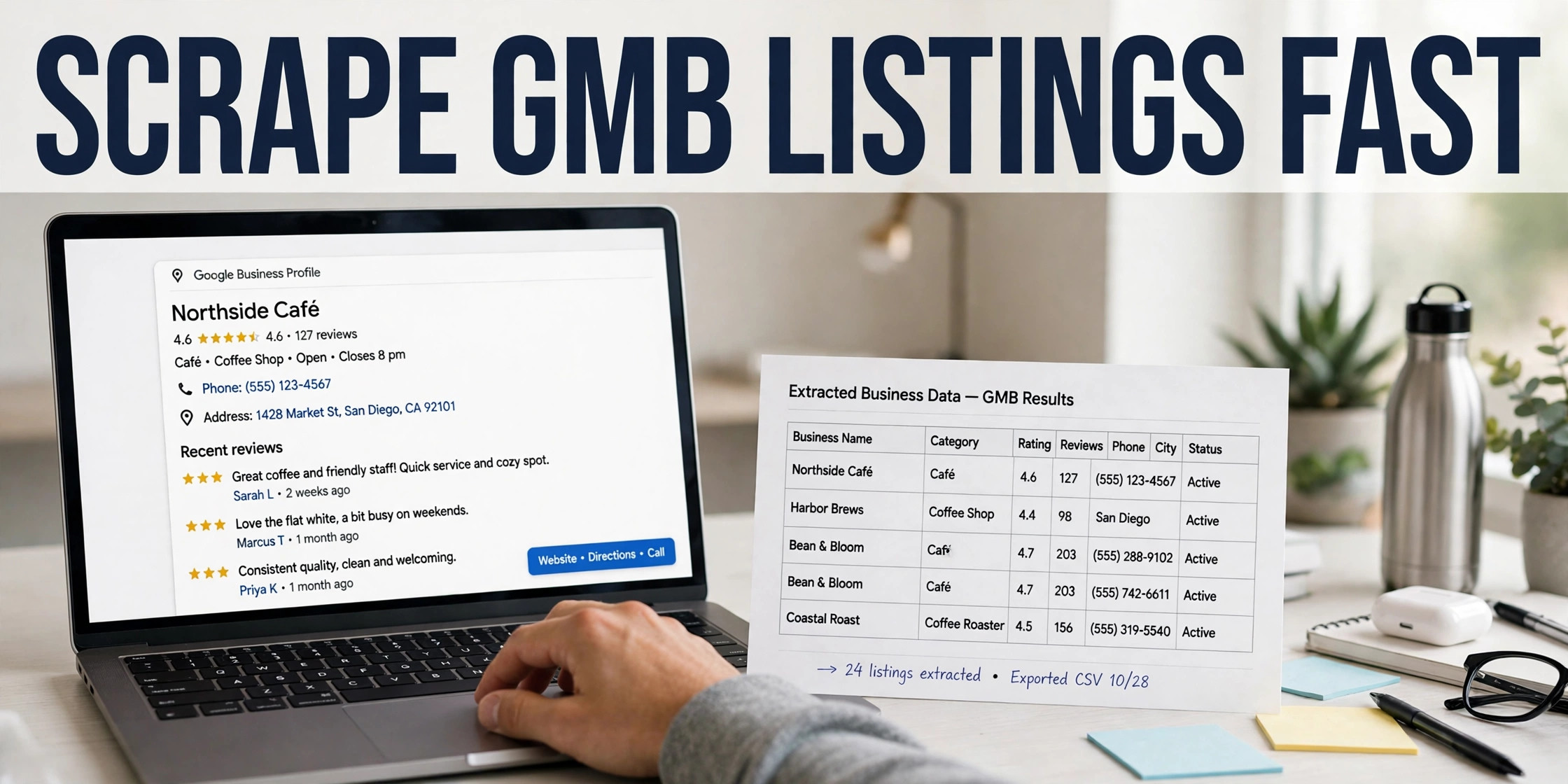
A Google My Business scraper is software that reads Google Maps results and copies the public fields on each listing into a structured file. You feed it a search, it works through the results, and it records the business name, address, phone number, website, rating and review count for every listing it finds. The same tool shows up under two other names in search results: google my business extractor and google my business data extractor. The name changes. The job stays the same.
The manual route shows the cost of skipping the tool. Open Maps, type a trade and a town, then copy forty listings into a spreadsheet by hand. An hour goes, and you still hold no email addresses. A scraper runs the same pass in minutes and keeps each field in its own column, ready for a CRM import or a sending tool. The buyers are usually agencies building prospect lists for local clients, reps who work a set territory, and freelancers who sell services to local businesses.
Tools in this category differ a lot. Some stop at the listing fields. Others crawl each business website for contact data. GoLeads Pro reports more than 10 million leads scraped on the platform to date. Our roundup of the best GMB scraper Chrome extensions compares the main options field by field.
GMB, Google Business Profile, Google Maps scraper: three names, one tool
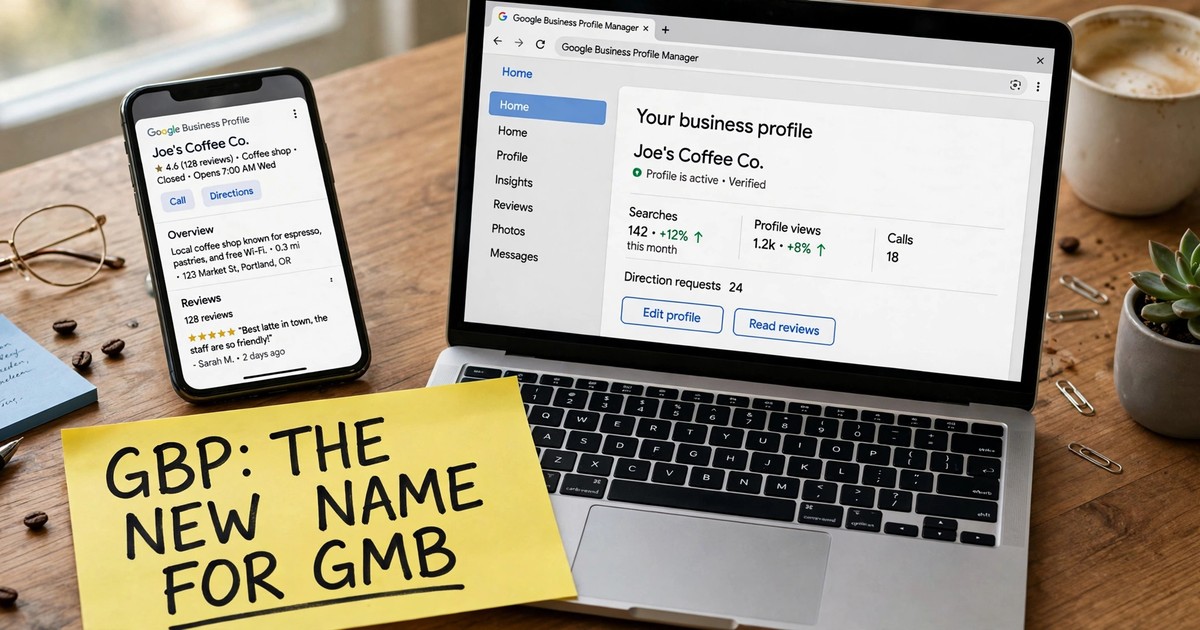
Google renamed Google My Business to Google Business Profile on November 4, 2021. The listings stayed put. A business profile still surfaces on Google Maps and in Search results, with the same fields it carried under the old name. Owners edit the profile inside Search or Maps, and larger operators work in Business Profile Manager.
Search habits lag behind renames. Plenty of buyers still type "gmb scraper" into Google, so vendors keep the old term in product names and page copy. A Google Maps scraper and a gmb scraper read the same listings and return the same fields. Judge a tool on the data it returns and the checks it runs. The label tells you nothing.
One boundary is worth stating plainly. A scraper reads public listing data. It does not log in to a profile, edit it, or reply to reviews. Profile management stays with the owner, inside Google's own tools. Scraping covers the research side of the work: finding businesses, reading the public record, and building a list you can act on.
What data sits inside one business profile?
Every listing carries a standard set of public fields. The table below lists the fields a scraper records, where each one comes from, and how often it appears.
| Field | Source | Typical availability |
|---|---|---|
| Business name | Maps listing | On every listing |
| Business category | Maps listing | On every listing |
| Street address | Maps listing | On nearly every listing |
| Phone number | Maps listing | On most listings |
| Website | Maps listing | On most listings |
| Star rating | Maps listing | Where reviews exist |
| Review count | Maps listing | Where reviews exist |
| Opening hours | Maps listing | On most listings |
| Email address | Business website | Where the business publishes one |
| Social profiles | Business website | Where the business links them |
Read the last two rows again. Google Maps listings do not display email addresses. Open any listing and check the fields: name, address, phone, website, hours, reviews, and no email anywhere. Tools that return emails add a second pass. They visit the website on the listing, read the contact page and the footer, and record any address the business publishes there. For email outreach, that second pass decides the value of the whole list.
How do you scrape GMB listings? Five steps
The steps below follow the GoLeads Pro workflow. Other tools shuffle the order a little. The shape stays close to this.
- Create a free account and install the extension. Sign up, then add the GoLeads Pro Chrome extension to your browser. The extension stays in sync with the web dashboard, so anything you capture while browsing lands in one place.
- Search Google Maps for a trade and a place. A search like "roofing companies in Denver" or "accountants in Leeds" sets the market. Scroll the results panel so the full list loads before you start.
- Run the extraction. Start the scrape from the extension. The tool reads each listing on the page and records the public fields, then visits each business website to look for published emails and social profiles.
- Clean the results in the dashboard. Duplicates drop out, fields land in fixed columns, and you cut the list with filters: rating floor, review count, has a website, has an email.
- Export and import. Download the list as CSV, XLSX or JSON. The export maps to HubSpot, Salesforce and Apollo field layouts, so the file imports into your CRM without an afternoon of column surgery.
The free plan covers the early runs: 50 leads a day and 300 in total, with no credit card at signup. Our free GMB lead extractor guide walks through what the free tier returns and where the paid tiers take over.
What separates a raw scrape from a usable lead list?
A raw scrape hands you rows. Outreach needs contacts that survive contact. Three checks do most of the work.
Email verification
An address read off a website can still be dead: a closed mailbox, a retired domain, a catch-all box that swallows mail. Verification pings the mail server in an MX check and grades the address before it reaches your list. GoLeads Pro reports bounce rates under 3% on its exports, against a 12 to 15% average for purchased lists. Read those figures as vendor-reported numbers. The direction still matters, because low bounce rates protect the domain you send from. The same pass checks phone numbers, and the site reports 98% of numbers on its exports as verified.
Deduplication across searches
Run three searches over one metro area and the same plumbing firm appears in all three. Merge the files raw and your sending tool mails that business three times. GoLeads Pro dedupes across multi-location scans, so each business lands on the list once, with its fields merged into a single record. Your CRM stays cleaner, and the rep who calls the account next month sees one history, not three.
Filters that match the pitch
Filters turn a directory into a prospect list. A web designer wants businesses with no website at all. A reputation service wants a healthy review count with a rating under four stars. An agency that sells to dentists wants the category locked to dentists and ratings held above four stars. Set the filters before export and you stop paying for rows you will never contact.
When is a GMB scraper the wrong tool?
A scrape returns companies. Named people stay out of the record. You get the business, its phone, its website, its ratings, and any email the business publishes. You do not get the owner's name, a job title, or a direct line to the person who signs contracts. If your sale runs through a named contact at a large company, you need a contact database built for that job, the class of tool sold to enterprise sales teams.
Coverage has edges too. A business with no website offers no page to crawl, so its record stops at phone and address. A new listing may carry no reviews yet, which weakens rating-based filters. A scrape also reflects the day you ran it. Businesses move, rebrand and close, so an old export decays. Re-run the search before a large campaign instead of trusting a file from last quarter.
One last check sits with you. The listing data is public. Cold outreach rules in your market still govern what you send and to whom, so read them before the first campaign goes out.
Frequently Asked Questions
How do you scrape Google My Business?
Install a scraper such as the GoLeads Pro Chrome extension, open Google Maps, and search a trade plus a location. Start the extraction and the tool reads the listings on the results page, recording names, phone numbers, websites, ratings and reviews. Results sync to a dashboard, where you filter the list, remove duplicates, and export it as a spreadsheet or CRM file.
What data can a GMB scraper get?
From the listing itself: the business name, category, address, phone number, website, opening hours, star rating and review count. From the business website, a second pass adds any email address the business publishes and links to its profiles on LinkedIn, Facebook, Instagram, X and YouTube. Listings do not carry personal contact details or staff names.
Is a GMB scraper the same as a Google Maps scraper?
Yes. Both names describe tools that read business listings on Google Maps. Google renamed Google My Business to Google Business Profile in November 2021, and the listings kept their place on Maps and in Search. Buyers still search with the old name, so vendors use GMB, Google Business Profile and Google Maps scraper side by side for the same product.
Can a GMB scraper get business email addresses?
Yes, with a condition. Google Maps listings do not display email addresses, so no tool pulls them from the listing itself. Scrapers that return emails visit the website on the listing and read addresses the business publishes on its contact page, footer or about page. GoLeads Pro then runs an MX check on each address to confirm the mailbox accepts mail.
How much does a GMB scraper cost?
Prices differ by vendor and by volume. GoLeads Pro starts free: signup credits cover 50 leads a day and 300 in total, with no credit card asked for. Paid plans on the platform scale to 50,000 and 100,000 leads a month. Check the live pricing page for current rates, and weigh any plan against the cost of a bounced campaign on a burned domain.
Start with one search in your own market. Create a free GoLeads Pro account, run the extraction on a trade you sell to, and export the list. Fifty leads a day costs nothing, asks for no card, and shows you within one sitting whether Maps data fits your outreach.