
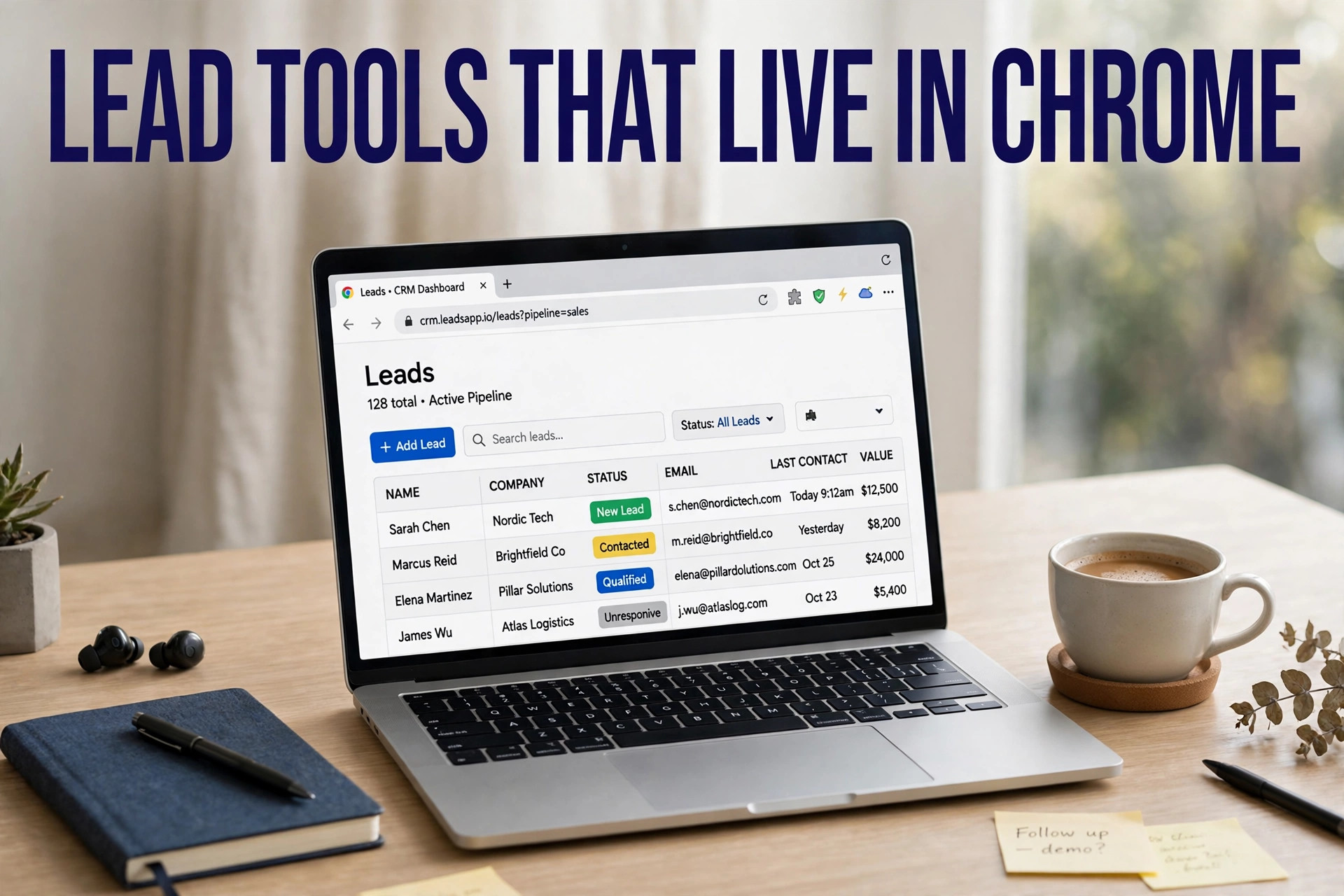
Chrome extensions cover three jobs in my lead work: pull contacts from pages I visit, check that emails can receive mail, and send the list to my contact database. No extension does all three well. Below, I match each one to the job it fits.
What do I use a lead generation extension for?
I use a lead generation chrome extension for one job: turning a page I already have open into contact records I can send to. The work has three layers. Capture pulls the contact off the page. Checking tests whether the email can receive mail. Sending moves the finished list into my CRM, the database where my team keeps contacts, or a spreadsheet. I only pay for tools that cover checking.
People also type lead scraper chrome extension, google map lead generator extension, gmap leads generator extension, and leadsmap extension for tools like these. Say you search dentists in Miami: a Maps scraper returns the practices, a LinkedIn finder returns named people. That difference decides which tool I open first.
Which extension do I open for each job?
GoLeads Pro: the Maps layer
I start with GoLeads Pro when my buyer is a local business. I run a search on Google Maps, and the extension captures the listings: name, phone, website, address, rating, and review count. It then visits each business website for publicly listed emails and runs an MX check on every address before export. An MX check asks the mail server whether the address can receive mail. The company reports bounce rates under 3% on verified exports, against a 12 to 15% average for purchased lists, and 98% of phone numbers verified. I read both figures as vendor-reported numbers. New accounts start with free credits: 50 leads a day, 300 in total, no credit card. Exports cover CSV, XLSX, and JSON mapped for HubSpot, Salesforce, and Apollo. What I watch for: the record covers a business, not a named buyer. The Maps-only roundup and the Google My Business scraper guide cover the Maps side in full, and the legality guide covers the rules that govern it.
Apollo: the all-in-one database
I open Apollo when I need named people, not businesses. The extension works on LinkedIn profiles, Sales Navigator results, Gmail, and company websites. I open a profile, and Apollo shows the contact details it holds for that person. I save the record to a list or a sequence, a scheduled series of follow-up emails, or push it to my CRM. Apollo's own comparison page describes more than 230 million contacts, and Apollo states email accuracy of 97%. I treat that accuracy figure as a vendor claim. What I watch for is seat math: per-seat pricing means a five-person team pays five times the single-seat number. I run every Apollo export through a verification pass before sending.
Hunter: the domain email finder
I open Hunter when I already know the company and need its people. I paste a company domain into Domain Search, which returns the email addresses Hunter holds for that domain, each with a confidence score and the public source where it was found. A confidence score rates how likely the address is correct. The Email Finder works the other way: I give it a name and a domain, and it returns that person's address. Verification costs half a credit per address from the same credit pool, and the free plan gives 50 credits a month. The Chrome extension runs on company websites. What I watch for is the phone gap: Hunter does not sell phone numbers.
Lusha: phones and LinkedIn speed
I open Lusha when I need a phone number fast. The extension reveals contact details on LinkedIn profiles, Sales Navigator results, company websites, and inside my CRM. One click shows a verified email and a direct dial where Lusha holds them. Paid plans add bulk reveal, which shows contact details for up to 25 people at once from a Sales Navigator search, saved to lists for one campaign. What I watch for is credit weight: a 2026 comparison puts Lusha at 5 credits for a phone number against 1 for an email, so I price phone-heavy lists on phone credits. Lusha's own comparison page lists a free plan at 40 credits a month.
Snov.io: finding plus sending in one login
I open Snov.io when I want finding and sending in one login. I find a contact in the browser, and the same login holds the verification step and the outreach step, plus mailbox warm-up on the Pro plan. Warm-up means gradually raising send volume from a new mailbox. A 2026 comparison puts the Starter plan at $29.25 a month billed yearly, with 1,000 credits and 5,000 recipients. I check the live pricing page before I buy. Phone numbers sit in the data add-on, which fills in missing fields on a record. What I watch for is the team ceiling: teamwork features moved to Pro in a 2025 plan update.
Instant Data Scraper: the free page scraper
I open Instant Data Scraper when the job is free and fast. It costs nothing and reads the listing table on a page, then exports what it finds. For Maps work it returns names, addresses, phone numbers, and websites. It does not extract emails, so the email hunt stays manual. I use it for a market scan or a first pass before a paid tool takes over. What I watch for is the missing email column: for outreach, I pair it with an email finder.
Can I export leads from LinkedIn Sales Navigator with an extension?
Yes, and this is where I slow down. Lusha's bulk reveal shows up to 25 contacts at once from a search, and Apollo's extension captures contacts from Sales Navigator results in bulk. Sales Navigator is LinkedIn's paid prospecting search. I keep batches small and steady, with no auto-visiting and no auto-messaging, because a sudden spike in reveals reads as automation, and LinkedIn's rules bar browser plugins that scrape its service. If the list must reach thousands in a week, I buy data another way.
Why do verified emails still bounce?
Because verified is a label each vendor defines for itself. I trust the bounce rate, not the label. One 2026 benchmark tested 1,000 B2B SaaS domain samples and put Hunter near 91% accuracy, Apollo near 88%, Lusha near 87%, and Snov.io near 85%. A separate published test cited by a rival vendor found bounce rates of 32 to 38% on Apollo lists labeled verified. I quote that test with care. One vendor cites annual data decay of 22.5 to 30%, meaning up to a third of records go stale each year. My rule: I verify every finder export before sending, and I stop and clean the list if the first send crosses a 2% bounce rate.
What does one good email actually cost?
I price per usable contact, not per seat and not per credit. A credit can mean a reveal, a verification, or a phone number. Hunter charges half a credit to verify an address. One free-tier comparison put Hunter's real verified output at roughly 25 to 33 addresses from those 50 credits. Lusha charges 5 credits for a phone against 1 for an email. Apollo prices per seat, so I multiply by the team before comparing. My rule: I run the free tier on 20 prospects and divide the plan price by the usable contacts that come back.
Which extension fits which job?
The matrix below is the original asset for this post.
| Job | Pick | Why it wins |
|---|---|---|
| Local business lists with verified emails | GoLeads Pro | Maps capture plus website crawl and MX check in one pass |
| Named contacts at target companies | Apollo or Lusha | Database records tied to profiles, not pages |
| Every email at one company domain | Hunter | Domain Search maps the whole company at once |
| Finding plus sending in one login | Snov.io | Finder, verification, and sequencer share one subscription |
| One free pull of names and numbers | Instant Data Scraper | Zero cost for listing data |
| Phone-first outreach | Lusha | Direct dials on the profile, with bulk reveal on paid plans |
How do I build a stack without paying twice?
I run two extensions, and I let each one own a page type. My stack pairs one Maps tool, which covers local businesses, with one LinkedIn or email-finder tool, which covers named people. A third tool earns its place only when it adds a step the first two miss. If subscriptions are the sticking point, the Lead Sniper alternative comparison lists five Maps scrapers on a one-time license.
Before I install: five checks
- I name the page where my prospects already appear: Maps, LinkedIn, or company sites.
- I pick one capture tool per page type, not one per feature.
- I confirm verification runs before export, not after the send.
- I check what one credit buys: a reveal, a verification, or a phone number.
- I test 20 records by hand against live pages before I pay.
When do I leave the extension in the drawer?
I leave it in the drawer when the job is bulk.
- 5,000 contacts by Friday. That is a bulk list-purchase job.
- Named contacts by title across thousands of companies in one export. A database search beats per-profile clicks for that shape of list.
- Automated visits, requests, or messages in bulk on LinkedIn. Reveal-only tools differ from automation tools, and automation draws account restrictions.
- Consumer marketing lists or private contact details. Maps and LinkedIn extensions cover business data only.
Frequently asked questions
What is the best lead generation chrome extension?
For most buyers, no single extension wins. I lead with GoLeads Pro for local business lists from Maps, Apollo for named contacts with a database behind the extension, and Hunter for domain-level email research. I pick by the page my prospects appear on and the contact I need, then I test 20 records before I pay.
Is there a free lead generation chrome extension?
Yes. Instant Data Scraper costs nothing and pulls listing tables, though it skips emails. GoLeads Pro gives free credits at signup, 50 leads a day and 300 in total. Hunter gives 50 credits a month, and Apollo, Lusha, and Snov.io all run free tiers with monthly credits. I treat every free tier as a sample.
Do lead generation extensions verify email addresses?
Some do, and the method differs. GoLeads Pro runs an MX check on every address before export. Hunter gives each address a confidence score and sells verification at half a credit per address. Snov.io verifies on its platform before the sequencer sends. Apollo and Lusha call their records verified, which is a vendor claim. I ask any vendor how it checks an address, then test a sample.
What is the difference between a Maps scraper extension and a LinkedIn email finder?
A Maps scraper reads business listings on Google Maps and returns company data: name, phone, website, rating, and review count. A LinkedIn email finder works on profiles and returns named people: job title, company, email, and often a phone number. Maps tools suit local outreach to businesses. LinkedIn tools suit sales to named buyers at target companies.
Will a LinkedIn email finder get my account banned?
It can, and the risk rises with automation, not with looking. LinkedIn's user agreement bars browser plugins that scrape its service. I keep risk low: I reveal contacts in small, steady batches, I never auto-visit profiles or auto-send requests, and I stop at the first limit notice. Reveal-only use behaves like manual research. Bulk automation is what draws restrictions.
Start with one free tier. If your buyers are local businesses, I suggest GoLeads Pro: install it from the extension page, run one Maps search, and export the first list. Add a LinkedIn finder if your buyers are named people. Plans sit on the pricing page, and the free vs paid page lays out where the free tier stops.