
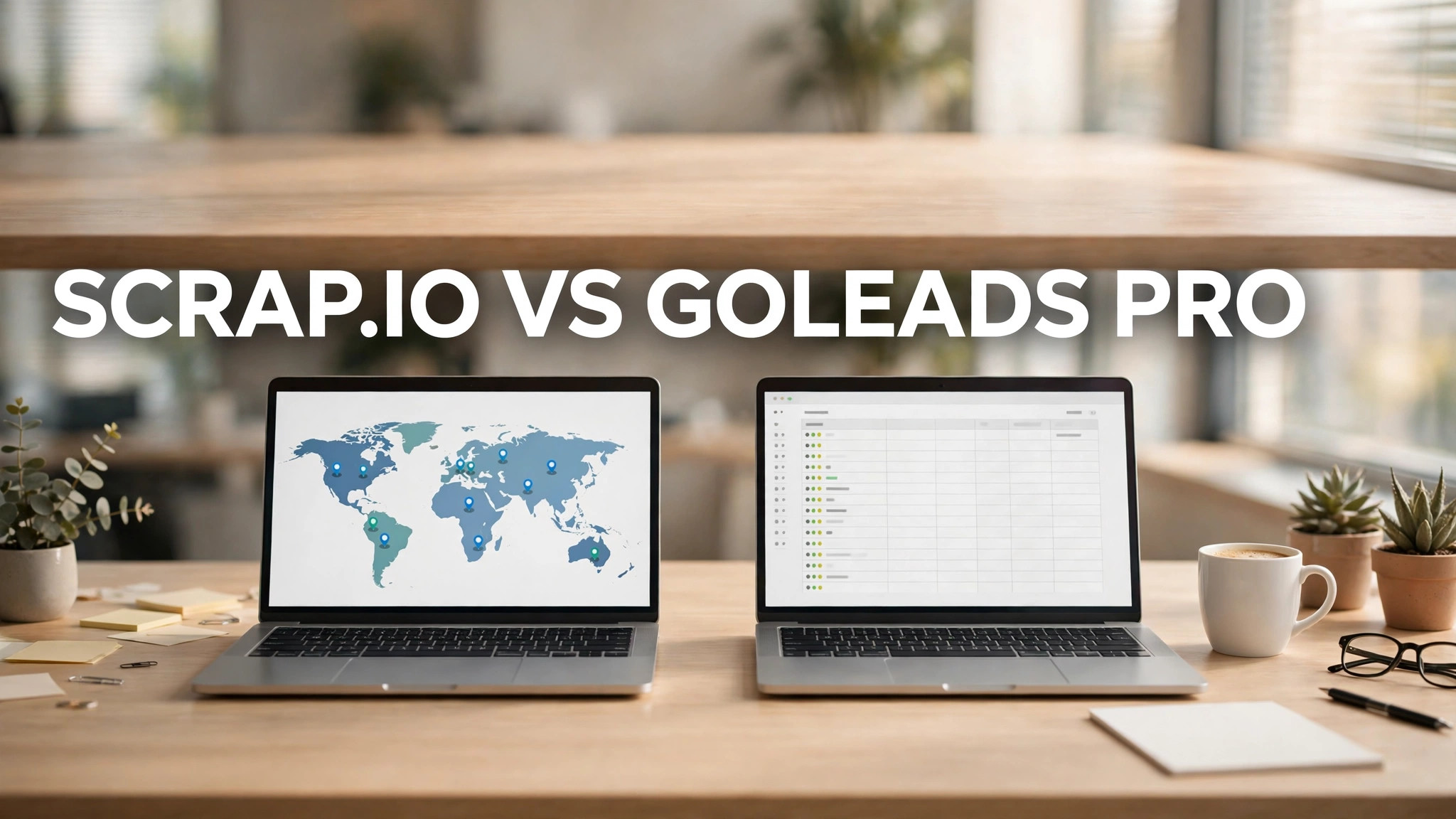
Short answer: the best Scrap.io alternative for most buyers is GoLeads Pro when you want a Chrome extension, MX-checked emails, and a free start with no card, per the vendor. Scrap.io still wins when you need deep filters, a large monthly volume, and an API-first workflow.
I opened Scrap.io expecting a straight swap for the scraper I already used. One tool asked me to pick a monthly plan before I pulled a single row. The other let me run a small search from inside Chrome and check the rows first.
Name the job first. For the wider roundup, see our best Google Maps scraper roundup.
What is Scrap.io, in plain words?
Scrap.io is a cloud tool built for one job: pull business leads from Google Maps, filter them hard, and export them. You pick a category and a place, set filters, and export the rows that pass. Prospeo, in its 2026 review, calls it the best dedicated Google Maps scraper when you need 10,000 or more leads a month on a recurring basis, and says it indexes 200 million or more businesses worldwide.
Scrap.io describes its own index as 225 million or more businesses across 195 countries. The product runs as a web app. You search the index, filter, and export, where a browser extension pulls what Maps shows for one search, near 120 results at a time. Prospeo reports up to 1,600 or more results per search on Scrap.io, a third-party report, not a promise for your town.
Where does Scrap.io win?
First, Scrap.io wins on depth before you pay. You set filters, and the tool counts the rows that pass before it spends a credit. Scrap.io and Prospeo both report the same point: you pay only for records that clear your filters.
Second, Scrap.io wins on field depth. Its own comparison page says an export carries over 70 columns, with emails classified by type, social profiles across six platforms, tech stack detection, ad pixel presence, and contact form detection. A plain export gives name, address, phone, and website.
Third, Scrap.io wins on geography and API access. Prospeo reports that Basic covers city-level searches, Professional adds Level 2 divisions such as counties, Agency adds Level 1 regions such as states, and Company alone lets you search an entire country. You can draw a radius or a polygon on the map and pull everything inside it, per Scrap.io. Its API is included on every plan, per Scrap.io, with an official MCP connector for Claude, ChatGPT, and Gemini.
Scrap.io vs GoLeads Pro at a glance
| Point | Scrap.io | GoLeads Pro |
|---|---|---|
| How it runs | Cloud web app, search a stored index | Chrome extension plus dashboard, per the vendor |
| Start price, monthly | $49 a month, 10,000 credits, per Prospeo | $10 a month, 50,000 leads, Professional, per the vendor |
| Price per record, annual | About $0.0035, Basic, per Prospeo | $0.0002, Professional, per the vendor |
| Free start | 7-day trial, 100 exports; free version capped at 30, per Prospeo | 50 leads a day, 300 total, no card, per the vendor |
| Filters before you pay | Yes, per Scrap.io | Search and filter in the extension, per the vendor |
| Emails | Up to 5 per business, classified by type, per Prospeo | Website crawl, MX-checked, per the vendor |
| API | Included on every plan, per Scrap.io | On the Business plan, per the vendor |
| Pay as you go | No, per Prospeo | No; flat monthly plans, per the vendor |
What does Scrap.io cost per record?
Scrap.io sells credits, not searches. One credit equals one business exported, per Scrap.io, and re-exporting the same business within 30 days costs no extra credit. Prospeo lists Basic at $49 a month, or $35 annual, for 10,000 credits; Professional at $99, or $69 annual, for 20,000; Agency at $199, or $139 annual, for 40,000; and Company at $499, or $350 annual, for 100,000.
On monthly prices, Basic works out near $0.0049 a record, and the other three near $0.0050 each. Prospeo reports the same flat pattern: near half a cent monthly, around $0.0035 a lead yearly. GoLeads Pro, per the vendor, runs Professional at $10 a month for 50,000 leads, and Business at $20 a month for 100,000, both at $0.0002 a lead, far below Scrap.io on either cycle.
Price per record is not the whole bill. Credits do not roll over, per Prospeo. A quiet month still costs $49 on Basic, and a month when you need 500 leads still costs $49, because there is no smaller plan and no pay-as-you-go option, per Prospeo. That is the top complaint Prospeo records from Reddit users. The GoLeads Pro free tier gives 50 leads a day, 300 total, with no credit card, per the vendor.
What fields do you actually get?
Scrap.io fields start with the listing: name, address, category, rating, review count, website, and phone. Emails arrive classified by type: principal, sales, individual, contact, and marketing, per Scrap.io. Phones arrive with type detection: fixed line, mobile, or special number. Social profiles run across six platforms. The export also flags website tech, ad pixels, and contact form presence, over 70 columns in total, per Scrap.io.
GoLeads Pro pulls listing fields from a Maps search, then crawls each business website for published emails and social profiles, per the vendor. It does not publish a column count, and I will not invent one. What it does publish is the check between the crawl and the export: an MX check on every address before export, per the vendor.
Field depth has a limit on both tools. Scrap.io emails are whatever a business published on its website, per Prospeo: info@, sales@, hello@, and contact@ addresses, not named decision-maker emails. GoLeads Pro emails come from the same public source, business websites, per the vendor, so the same limit applies. Ask which fields your CRM import needs before you pay for depth.
How does email checking compare?
Scrap.io classifies emails. GoLeads Pro checks them. Those are two different jobs, and the gap between them decides how many of your emails bounce.
Scrap.io sorts each email into a type: principal, individual, contact, sales, marketing, finance, or admin, per its own pages. Classification tells you who the address belongs to, not whether it still works. Prospeo warns that scraped emails are website-published addresses, and advises running exports through a verification tool before you send.
GoLeads Pro runs an MX check on each address before export, per the vendor. An MX check asks the domain mail server whether the domain can receive mail. It catches dead domains and typo domains before they reach your list. It does not catch a full inbox, a spam trap, or an address that never belonged to a person. Treat the MX check as a filter, not a guarantee. Neither tool gives you a verified inbox. Scrap.io gives richer labels on unverified addresses. GoLeads Pro gives a basic check on each address.
How do the two tools install and run?
Scrap.io runs in the cloud. You sign up, search, filter, and export, with no extension to install and no browser lock while a pull runs. Prospeo reports a 7-day trial with 100 exports, plus a free version capped at 30 exports, and says the trial requires a credit card with actual funds. Scrap.io's own pages state the same trial as 7 days with 100 leads included, activated with a card. Check the live signup page on the day you buy.
GoLeads Pro installs as a Chrome extension, with a web dashboard beside it, per the vendor. You run a Maps search in Chrome, pull the listings you see, and the dashboard holds the haul in one workspace your team can open. The free tier needs no credit card, per the vendor. The trade-off is the browser ceiling: one Maps search tops out near 120 results.
Five mistakes that waste money when you shop for a Scrap.io alternative
Mistake one: I compared price per record and stopped
Price per record hides the plan floor. Scrap.io Basic costs $49 a month whether you pull 500 rows or 10,000. Fix it by writing down your monthly row count first.
Mistake two: I trusted a vendor accuracy figure
A vendor accuracy figure is a claim, not a measurement. Fix it by pulling one town you know well and checking ten rows against the live businesses.
Mistake three: I paid for fields my CRM never used
Seventy columns look impressive in a sales page. They cost money when they sit unused in a file. Fix it by opening your CRM import template before you buy and circling the fields it maps.
Mistake four: I picked a plan for one town and needed a whole state
Scrap.io gates geography by plan, per Prospeo. Basic covers city-level searches. A state search needs Agency, and a country search needs Company. Fix it by listing every place you will pull first.
Mistake five: I mailed generic rows with a named note
An info@ address with a note written for a named owner reads wrong on arrival. Fix it by sorting generic rows from named rows before you write.

A worked example: dentists in Miami, run both ways
Say you search dentists in Miami. A browser extension pull tops out near 120 results for one search, so you split Miami by neighborhood: Coral Gables, Little Havana, Wynwood, and Brickell. Scrap.io lets you run the same job as one filtered search, and Prospeo reports up to 1,600 or more results per search.
Next, filter before you pay. On Scrap.io, toggle the filters for businesses with an email and a website, and the tool counts the rows that pass before it spends a credit, per Scrap.io. On GoLeads Pro, run the search in Chrome and let the extension crawl each website for emails, per the vendor. Sort generic rows from named rows, send a small batch, read the bounce rate, and only then send the rest.
Copy this checklist before you switch
- Write down your monthly row count first.
- List every place you will pull, and check which plan covers the widest one.
- Open your CRM import template and circle the fields it maps.
- Run one search in your market on each tool and check ten rows live.
- Sort generic rows from named rows before you write a single note.
- Send a small batch first and read the bounce rate.
- Confirm the trial terms on the live signup page.
- Honor every opt-out at once, and mail only published addresses.
Which tool fits which buyer?
Pick Scrap.io when you pull 10,000 or more leads a month, every month, and you need deep filters, wide geography, and API access on the plan you buy. Prospeo reaches the same verdict: the job is volume plus depth.
Pick GoLeads Pro when you pull smaller lists, you want a Chrome extension and a shared dashboard, and you want MX-checked emails with a free start and no card, per the vendor. Pick it when the job is the list, not the API.
Pay Scrap.io for depth, filters, and API access, and pay GoLeads Pro for a checked list at a low flat price.
Frequently asked questions
What is the best Scrap.io alternative?
For most buyers, GoLeads Pro. It pairs a Chrome extension with a shared web dashboard, crawls business websites for emails, MX-checks each address before export, and maps exports for HubSpot, Salesforce, Apollo, Pipedrive, and Zoho, per the vendor. It gives 50 free leads a day, 300 total, with no credit card, per the vendor.
Is Scrap.io free?
Scrap.io has a free version capped at 30 exports and a 7-day trial with 100 exports, per Prospeo. Prospeo also reports that the trial requires a credit card with actual funds. Scrap.io's own pages state the trial is activated with a card, so check the live signup page before you buy.
How much does Scrap.io cost per record?
Basic runs $49 a month, or $35 a month on annual billing, for 10,000 credits, per Prospeo. That works out near $0.0049 a record on monthly billing and around $0.0035 a record on yearly plans, per Prospeo. Professional, Agency, and Company run $99, $199, and $499 a month for 20,000, 40,000, and 100,000 credits, per Prospeo.
Where does Scrap.io win over GoLeads Pro?
Scrap.io wins on depth, geography, and API access. It filters before you pay, carries over 70 columns with classified emails and phone type flags, covers whole regions and countries on higher plans, and includes its API on every plan, per Scrap.io and Prospeo. It also runs up to 5,000 queries per minute, per Prospeo.
Where does GoLeads Pro win over Scrap.io?
GoLeads Pro wins on price per record, email checks, and the free start. Professional runs $10 a month for 50,000 leads, per the vendor, against $49 a month for 10,000 credits on Scrap.io Basic, per Prospeo. It MX-checks each address before export and gives 50 free leads a day, 300 total, with no credit card, per the vendor.
Does Scrap.io have an API?
Yes, per Scrap.io own pages. Its API is included on every plan, and it now exposes an official MCP connector so Claude, ChatGPT, and Gemini can query the database in plain English. GoLeads Pro puts API access and webhooks on its Business plan, per the vendor, so check your plan before you build a workflow on it.
Does Scrap.io verify emails?
Scrap.io classifies emails by type, per its own pages, but classification is not the same as a deliverability check. Prospeo warns that scraped emails are website-published addresses and advises running exports through a verification tool before you send. GoLeads Pro runs an MX check on each address before export, per the vendor.
Should I switch from Scrap.io to GoLeads Pro?
Switch when the job is a checked list at a low flat price, not volume plus depth. Move when you pull smaller lists, you want a Chrome extension with MX-checked emails, and $10 a month for 50,000 leads, per the vendor, beats a $49 floor. Stay with Scrap.io when you need deep filters, wide geography, or API access on every plan.
Run one search in your own market before you pay anyone. Claim the free GoLeads Pro credits from the pricing page, pull one trade in one town, and check ten rows against the live businesses.